PayCraft
Billing for Kotlin Multiplatform apps. One API across Android, iOS, web and desktop.
- Status
- Live
- Category
- Developer infrastructure
- Platforms
- Android
- iOS
- Web
- Desktop
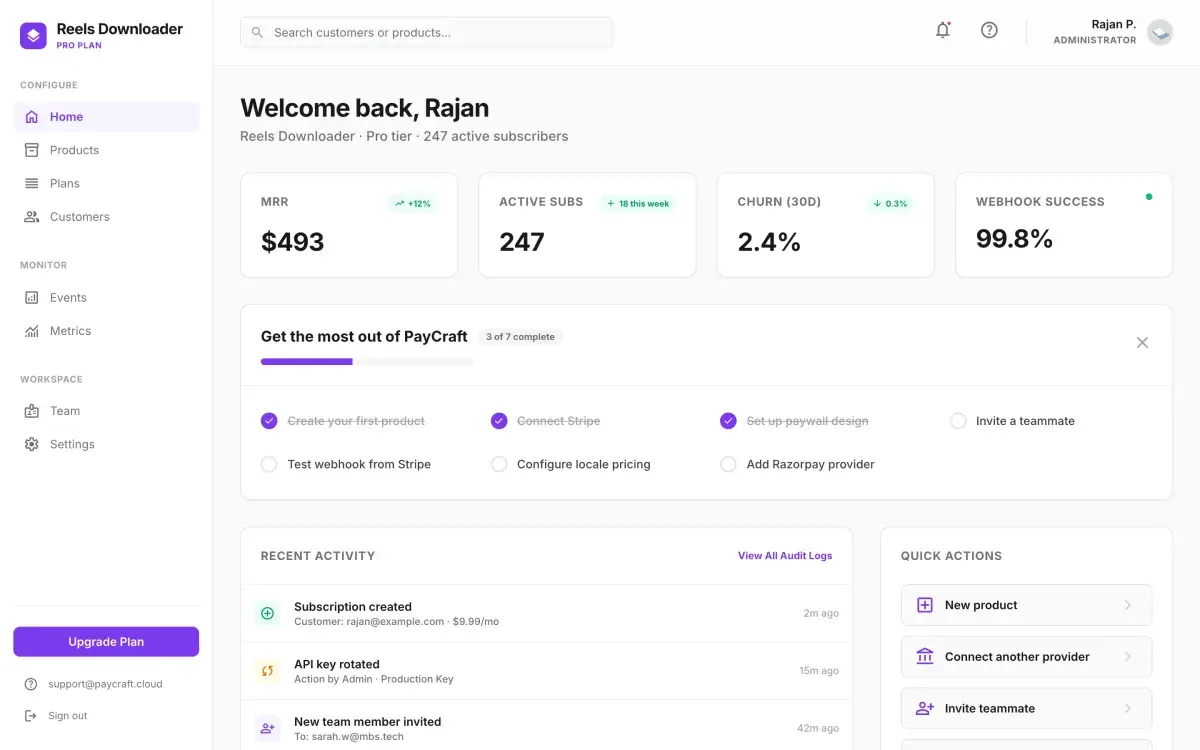
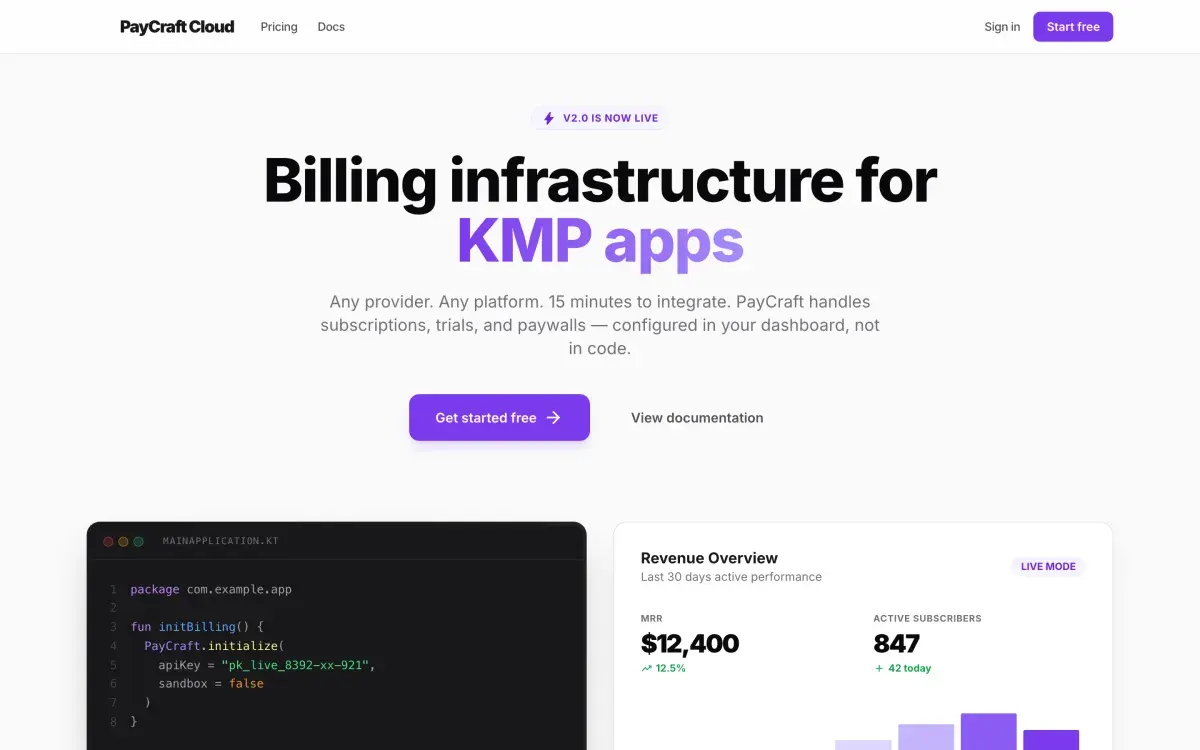
One API over whichever payment provider is underneath.
Subscriptions, trials and paywalls have to work on every platform an app ships to, and are usually written once per platform. PayCraft is a Kotlin Multiplatform library with a single shared API, so the same call site handles billing on Android, iOS, desktop and web.
Subscription state lives in the developer’s own Supabase project. Stripe or Razorpay keep it current through webhooks, the app never talks to a payment provider directly, and the library holds only the public Supabase key, never payment credentials.
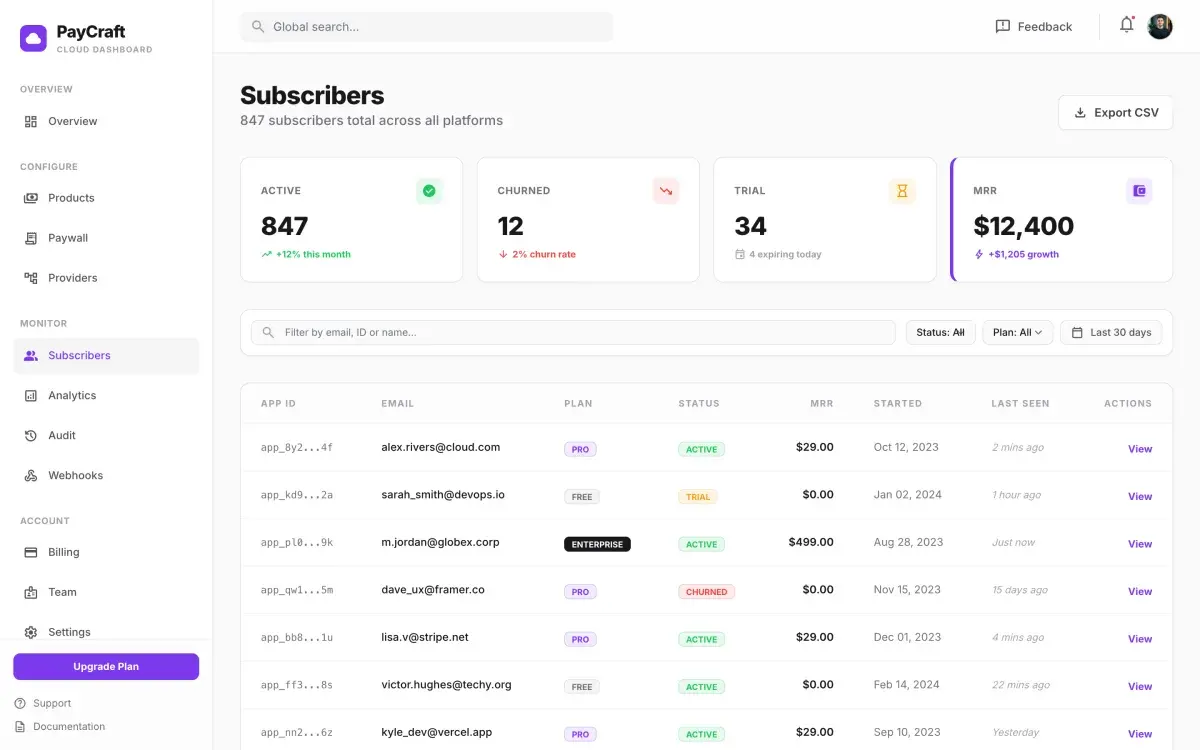
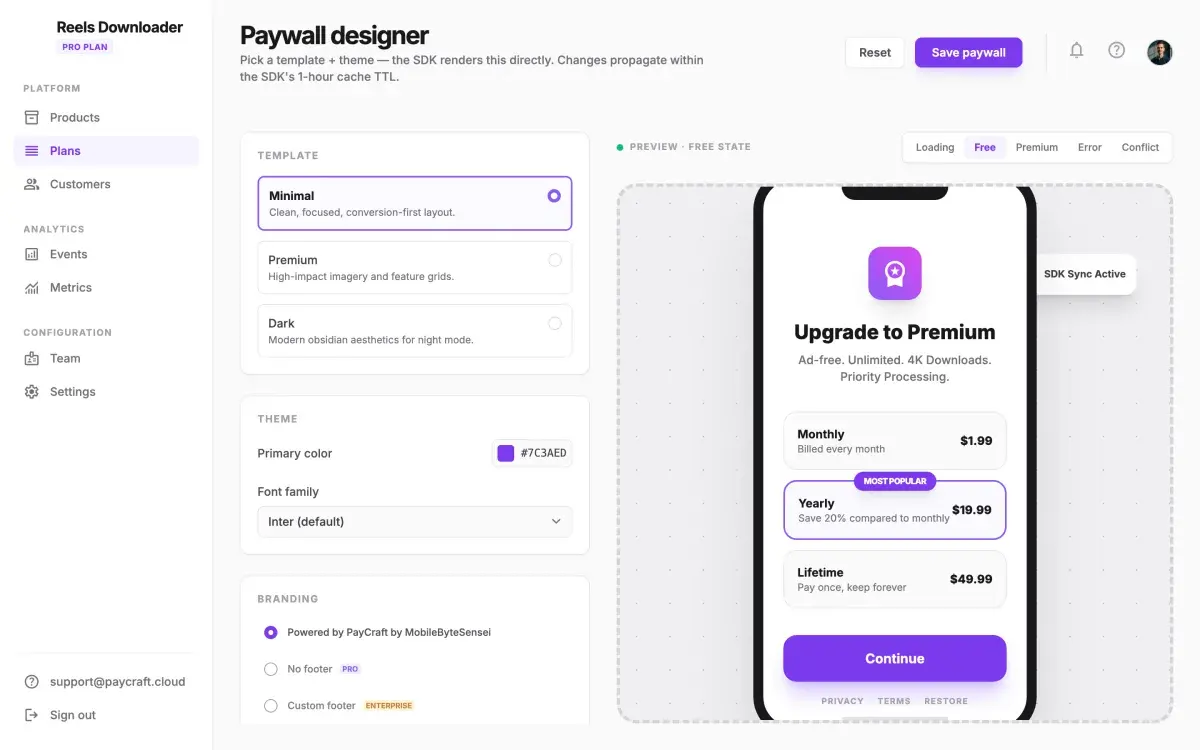
An optional hosted dashboard configures products, pricing, paywall templates and providers. PayCraft handles billing in MBS’s own apps, including ReelsDownloader, Cappy and Hacker Keyboard, and the library is open source under the Apache 2.0 licence.
Who it is for.
Kotlin Multiplatform teams
Adding subscriptions to an Android and iOS app without writing billing code for each platform.
Independent developers
Self-hosted billing, with subscription data in their own database and no share of revenue taken by the library.
Agencies building for clients
Provider-agnostic billing, with any additional checkout implemented against one interface.
Apps for the Indian market
Razorpay checkout alongside Stripe, from the same API.
What it gives an engineering team.
Shipped capabilities only. Planned work is listed separately, under “On the roadmap.”
One API across platforms
A single shared Kotlin API for Android, iOS, desktop and web. Platform code stays inside the library, so an app writes none.
Your database is the source of truth
Subscription state lives in your Supabase project and payment providers update it through webhooks. The library stores only the public key.
Stripe, Razorpay or your own provider
Stripe and Razorpay are built in. A PaymentProvider interface connects any other checkout.
Drop-in paywall components
Paywall, banner, sheet and restore-purchase components for Compose Multiplatform, or observe the premium state and build your own.
Safe when offline
The last known subscription state is used when the backend cannot be reached, so a paying user is not locked out by a network failure.
Guided setup
A command-line tool applies the database migrations, deploys the webhook function, creates provider products and verifies the integration end to end.
Optional hosted dashboard
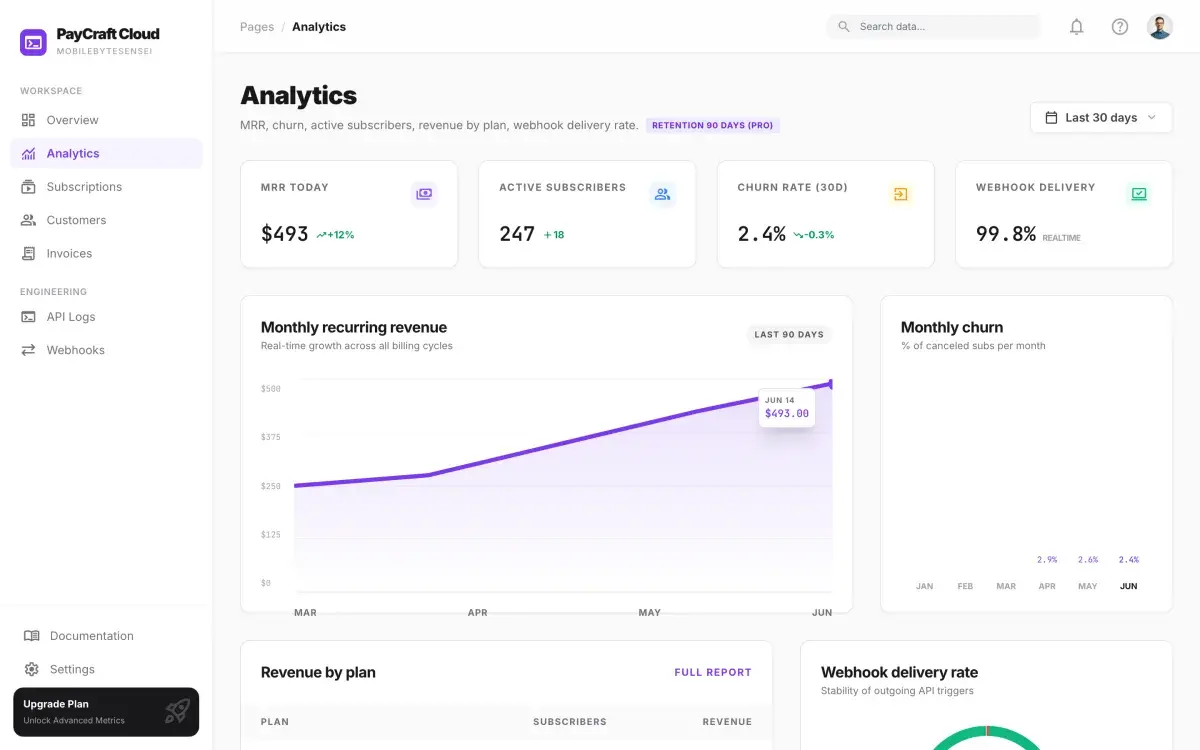
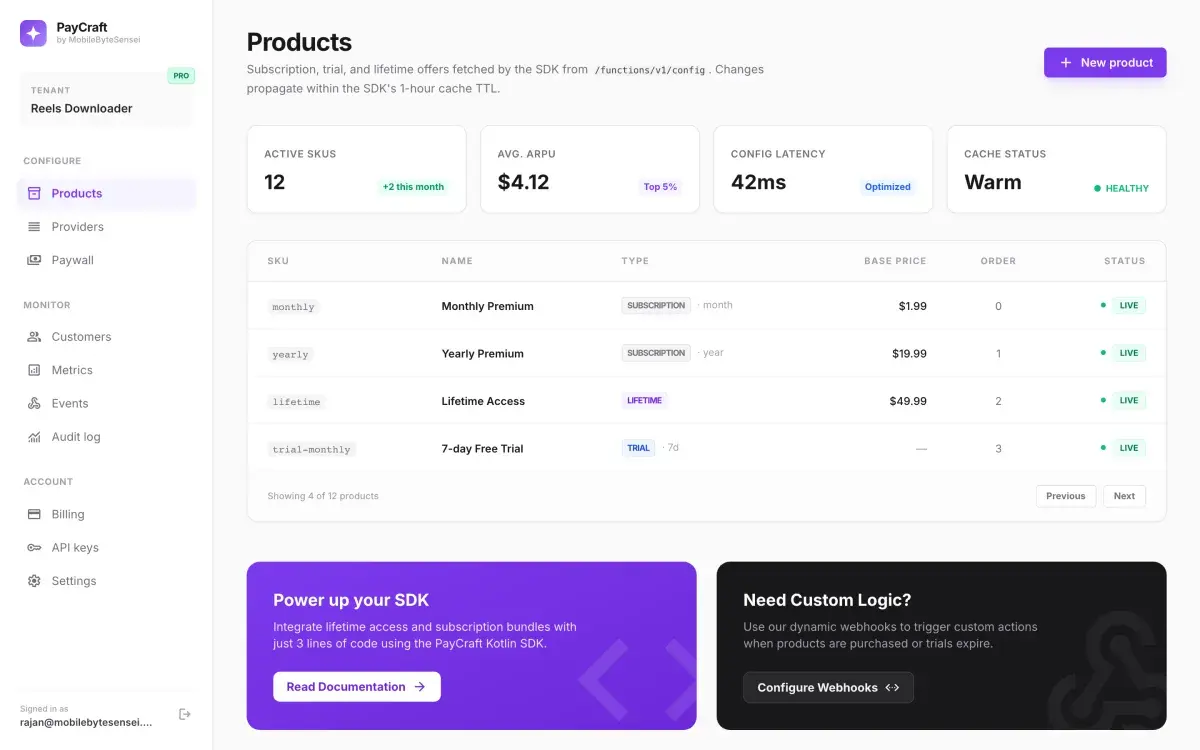
Products and pricing, including trials, lifetime plans and per-country prices; a paywall designer; provider management; subscription analytics; team roles and an audit log.
Google Play Billing on Android
Digital purchases on Android go through Google Play Billing, while web and desktop keep the provider checkout.
Self-hosting
The backend can run on your own infrastructure, with a self-hosting guide, Docker Compose and a Helm chart.
How it works.
Add the library
Add the PayCraft dependency to the shared Kotlin Multiplatform module.
Prepare the backend
Apply the SQL migrations to your Supabase project and deploy the webhook function for your payment provider.
Configure at start-up
Configure Supabase, the provider and the plans in code, or initialise with an API key and manage them in the hosted dashboard.
Add a paywall and sign the user in
Place a paywall component and log the user in after authentication, so purchases attach to the right account.
Verify
Run the end-to-end check, which writes a test subscription and confirms the premium state resolves.
Screens.
Screens from the product design.
Privacy and data.
PayCraft never stores payment credentials. Subscription data lives in the developer’s own Supabase project.
- The library holds only the public Supabase key.
- The app never communicates with the payment provider; providers update subscription state through webhooks.
- Card details are handled by the payment provider, not by PayCraft or the app.
Availability and specification.
- Status
- Live
- Availability
- AndroidNot yet listed
- iOSNot yet listed
- Webpaycraft.mobilebytesensei.com (opens in a new tab)
- DesktopNot yet listed
- Resources
- Category
- Developer infrastructure
- Business model
The library is open source under the Apache 2.0 licence and takes no share of revenue. The hosted dashboard is offered in Free, Pro and Enterprise tiers.
- Built with
- Kotlin Multiplatform
- Compose Multiplatform
- Ktor
- Koin
- Supabase
- Stripe
- Razorpay
- Google Play Billing
- Next.js
Questions about PayCraft.
Do I need a billing platform account such as RevenueCat?
Does PayCraft take a share of revenue?
What happens when the device is offline?
Can I use a different payment provider?
Can I build my own paywall?
The engineering organisation behind PayCraft takes client engagements.
Client work ships under our clients’ names and is not listed here. Written response within one week.