Betterflo
On-device dictation in eleven Indian languages, in any Android app. No account.
- Status
- Live
- Category
- Voice
- Platforms
- Android
- AI
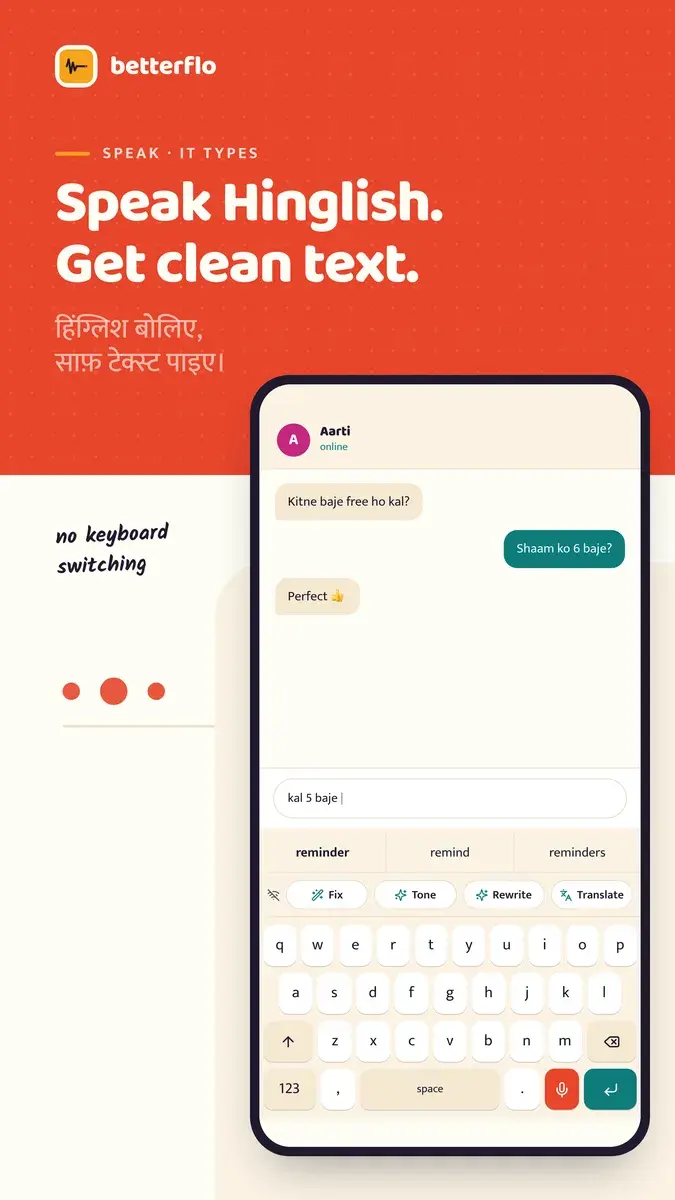
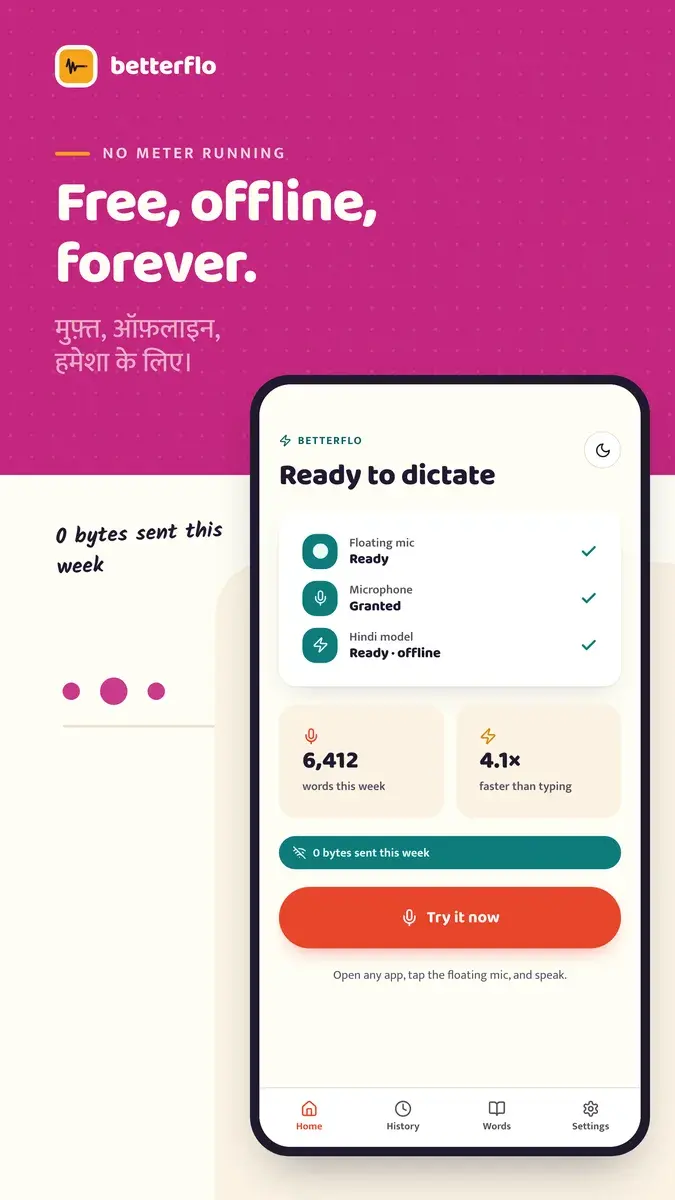
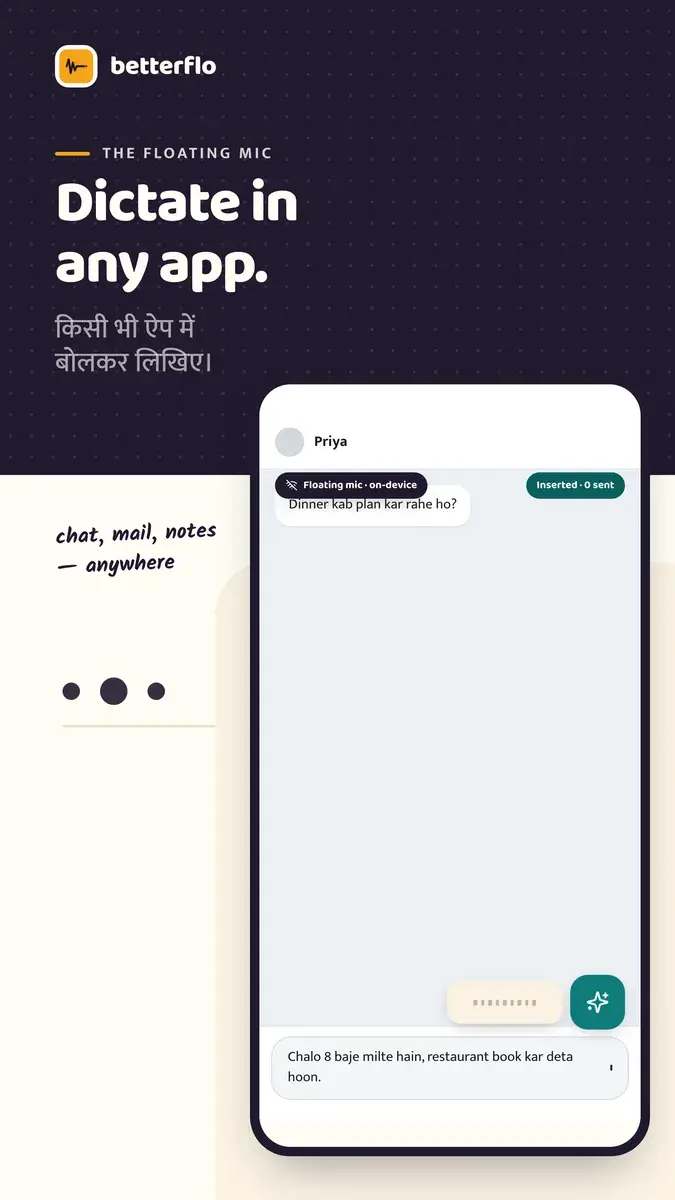
Dictation recognised on the device.
Typing on a phone is slow, and slower still for people who move between languages. Betterflo is an Android dictation app for India-first, bilingual users, including people who speak Hinglish and switch language mid-sentence.
Speech is recognised on the device, through a floating mic that works over any app or through the Betterflo keyboard. The speech model is matched to what each phone can run, and once it has been downloaded, dictation works without a connection.
Who it is for.
Bilingual Android users
Dictating Hindi, English or Hinglish into chat and email on mid-range and budget phones.
Privacy-conscious professionals
Dictating email and notes with recognition kept on the device.
Power users
Using snippets, a personal dictionary and voice commands to write faster.
People with poor connectivity
Dictation keeps working with a weak connection or none.
What it does.
Shipped capabilities only. Planned work is listed separately, under “On the roadmap.”
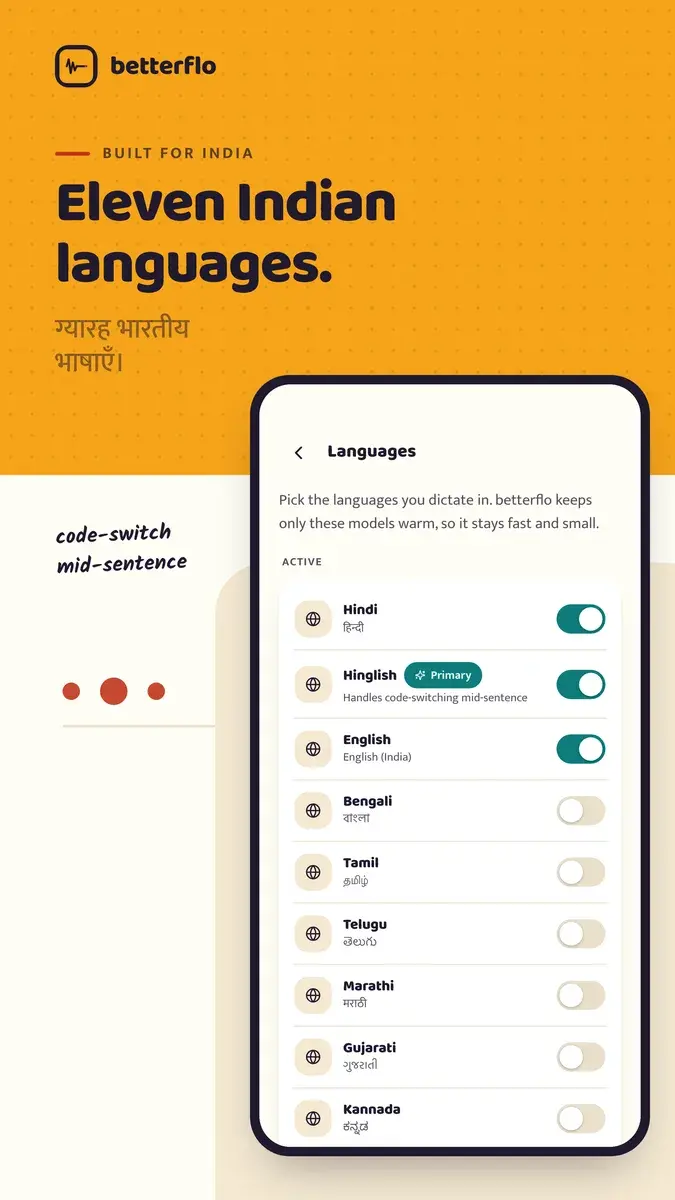
Eleven languages
Bengali, English, Gujarati, Hindi, Hinglish, Kannada, Malayalam, Marathi, Punjabi, Tamil and Telugu, including switching language mid-sentence.
Floating mic over any app
A mic bubble over the current app inserts text at the cursor, using an Android accessibility service.
The Betterflo keyboard
A full keyboard with word suggestions and a mic beside the space bar. It needs no accessibility permission.
Recognition sized to the phone
Recognition runs on the phone, with a model matched to its memory and processor. On the lowest tier, dictation is English only.
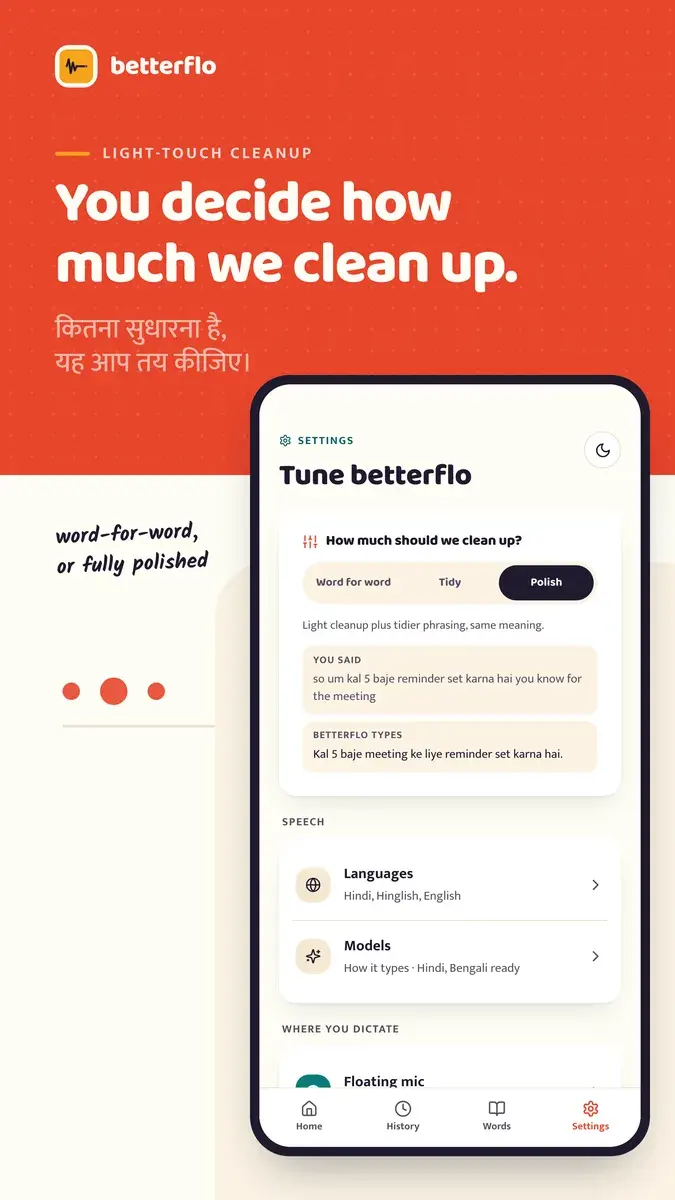
Fix, Tone, Rewrite and Translate
A keyboard action bar reworks the text in a field on the device. Rewrite needs a small downloaded model and is not offered on the smallest phones.
Write out in English
Speech in an Indian language can be written out as English text.
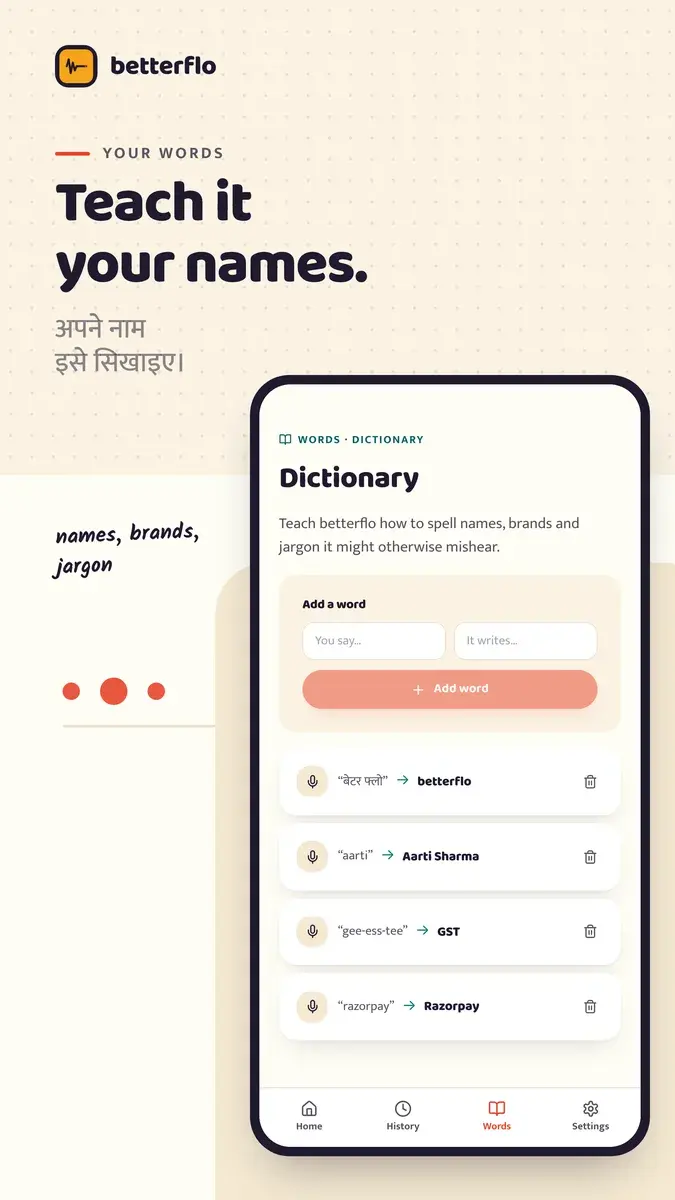
Personal dictionary
Names, brands and terms, stored on the device and encrypted at rest.
Snippets and voice commands
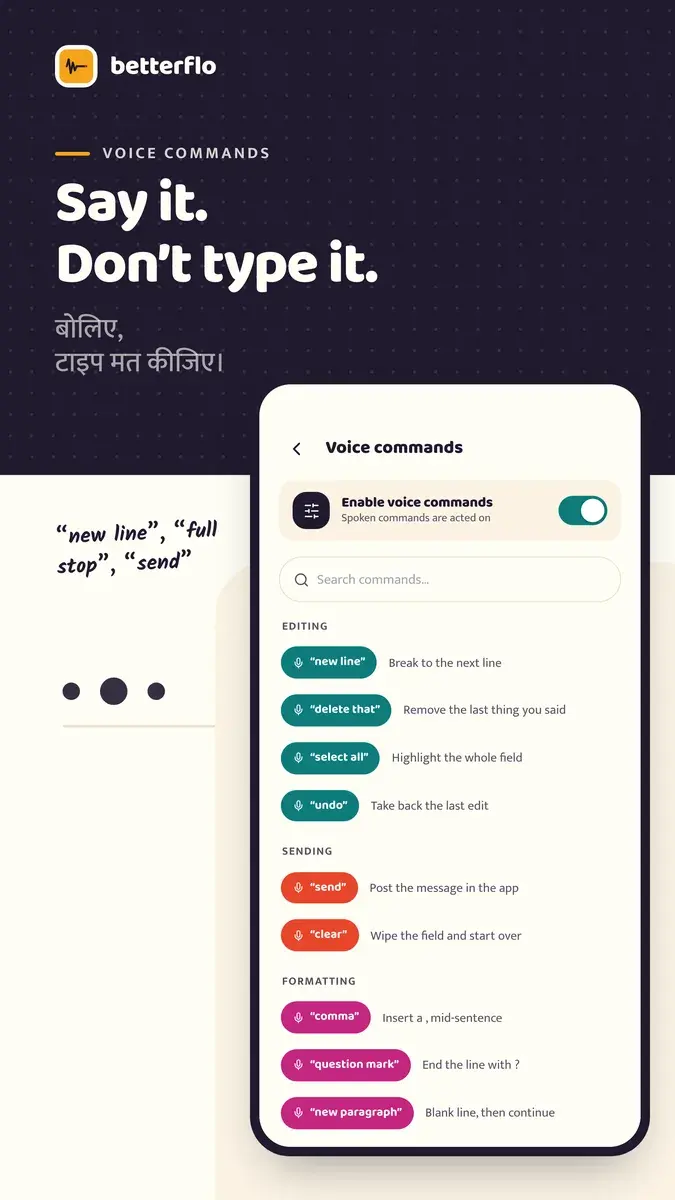
Say a trigger word to insert saved text, and use spoken commands for punctuation and formatting.
History on your terms
Keep no dictation history, keep it for 24 hours, or keep it until you delete it.
How it works.
Choose a surface
Turn on the floating mic, which asks for display-over-apps and accessibility access with a disclosure first, or enable the Betterflo keyboard.
Grant the microphone
Each permission is explained before it is requested.
Download the speech model
Pick languages and download the model for your phone’s tier. The app warns before a large download on a metered connection.
Speak in any app
Tap the mic and speak. Text is recognised on the device and inserted at the cursor; password and one-time-code fields are excluded.
Screens.
Images from the Google Play listing.
Privacy and data.
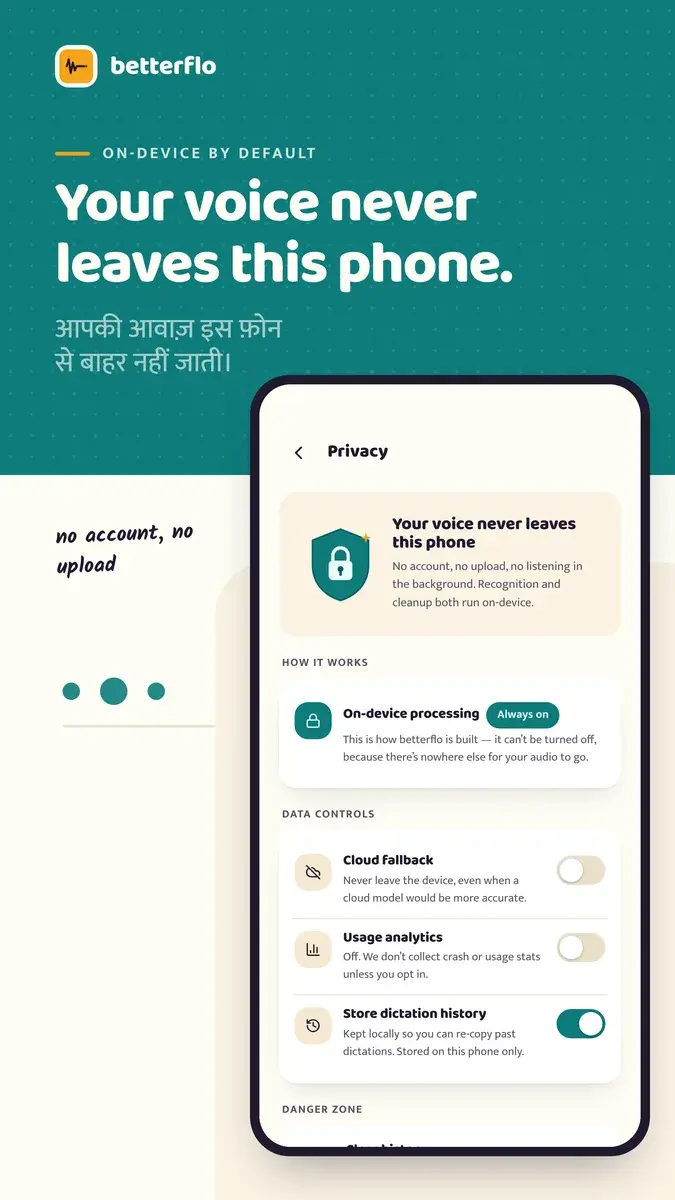
Dictation is processed on the phone. Usage analytics and crash reports are on by default and can be turned off in Settings.
- Audio, dictated text, history, the personal dictionary and snippets are processed and stored on the device and are not transmitted.
- Firebase Analytics and Crashlytics are on by default. Turning usage analytics off in Settings → Privacy also deletes what was already collected.
- The advertising ID is not collected.
- The accessibility service reads only the field being dictated into, and only when the mic is tapped.
- No account and no ads.
Availability and specification.
- Status
- Live
- Availability
Includes applied AI.
- Resources
- Category
- Voice
- Business model
On-device dictation is free. An optional Pro tier, priced for India, is to be announced; no paid plan is available yet.
- Built with
- Kotlin Multiplatform
- Compose Multiplatform
- sherpa-onnx
- whisper.cpp
- LiteRT
- Firebase
Questions about Betterflo.
Does it work offline?
Does my voice go to the cloud?
Do I have to grant accessibility permission?
Which phones does it run on?
Is it free?
More apps.
- Live
Awaazly
Voice
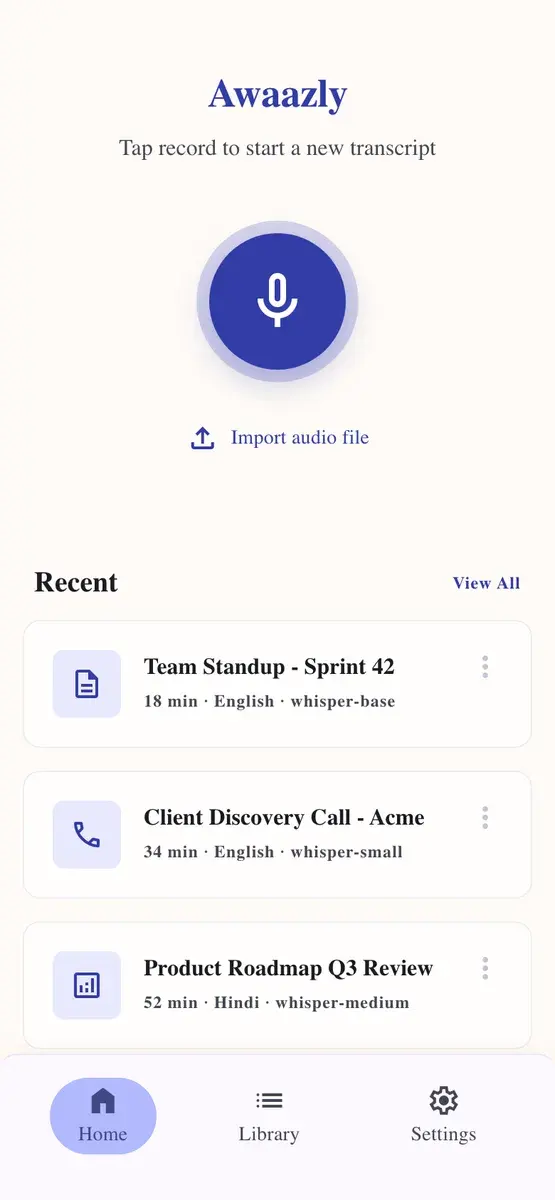
Private transcription on the phone: Whisper speech recognition and summaries, in twelve languages.
- Android
- AI
- Live
PDF Tools
Productivity
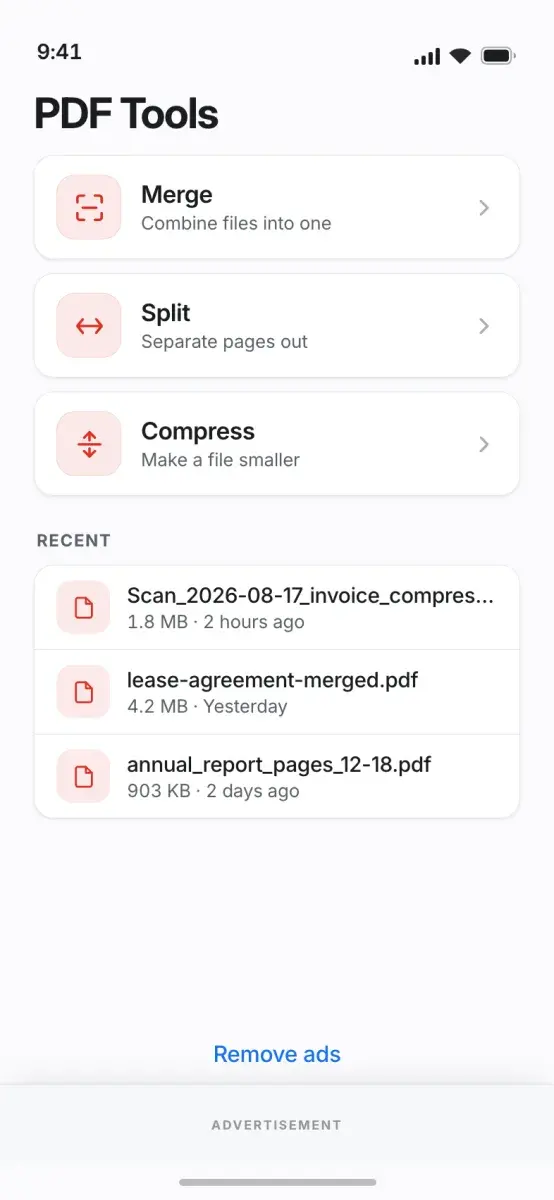
Merge, split, compress, sign and convert PDFs on the phone, with no upload and no account.
- Android
- Live
Status Saver
Utility
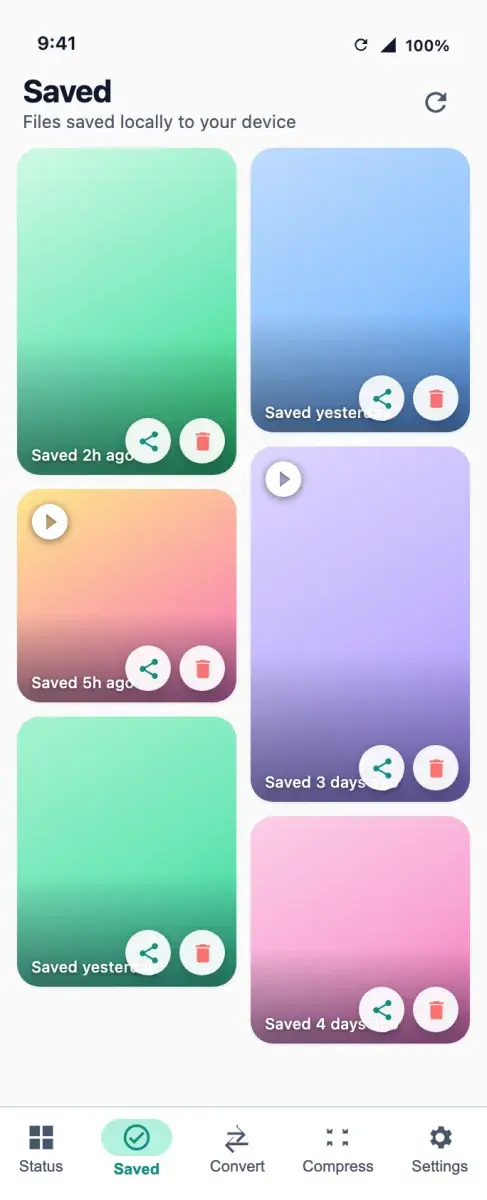
Save the statuses you have viewed, convert video to MP3 and compress media, all processed on the phone.
- Android
Get Betterflo.
On-device dictation in eleven Indian languages, in any Android app. No account.
Mobile Byte Sensei also builds for clients. View services