
Status Saver
Save the statuses you have viewed, convert video to MP3 and compress media, all processed on the phone.
- Status
- Live
- Category
- Utility
- Platforms
- Android
About Status Saver.
WhatsApp statuses disappear after a day, and pulling the audio out of a video or shrinking a large file usually means a separate app for each job. Status Saver brings the three together: save statuses, convert video to audio, and compress photos and videos.
It shows only the photo and video statuses already on the phone, the ones you have viewed, and saves them to the gallery. Saving, converting and compressing all run on the device, and the app needs no account.
Status Saver is an independent app and is not affiliated with, endorsed by or sponsored by WhatsApp or Meta.
Who it is for.
Keeping statuses
Saving a friend’s photo or video status before it expires.
Ringtones and clips
Pulling a song or sound out of a video and setting it as a ringtone.
Saving storage
Shrinking large videos and photos to free space or share them faster.
What it does.
Save statuses
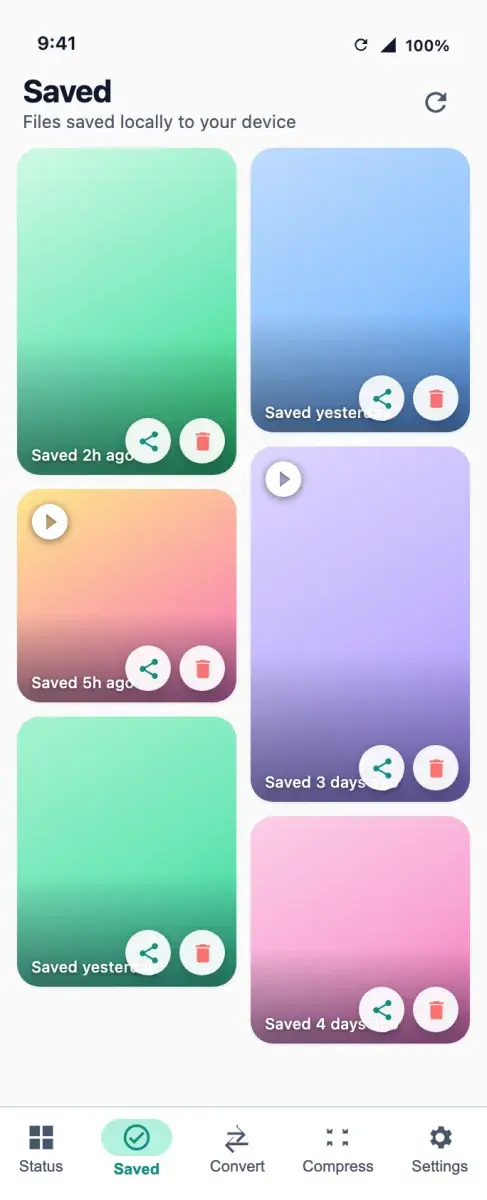
View the photo and video statuses you have already seen, full screen, and save them to the gallery.
Re-share
Share a saved status again at any time.
Video to MP3, M4A or AAC
Choose the format and bitrate and trim to the exact part you want.
Ringtone, notification or alarm
Set converted audio directly as a ringtone, notification sound or alarm.
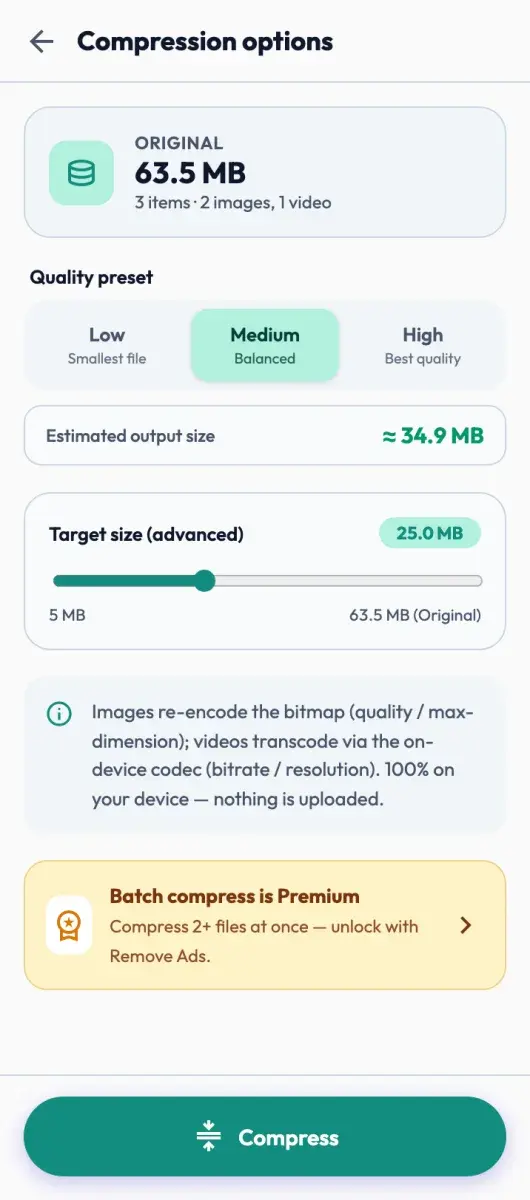
Video and photo compressor
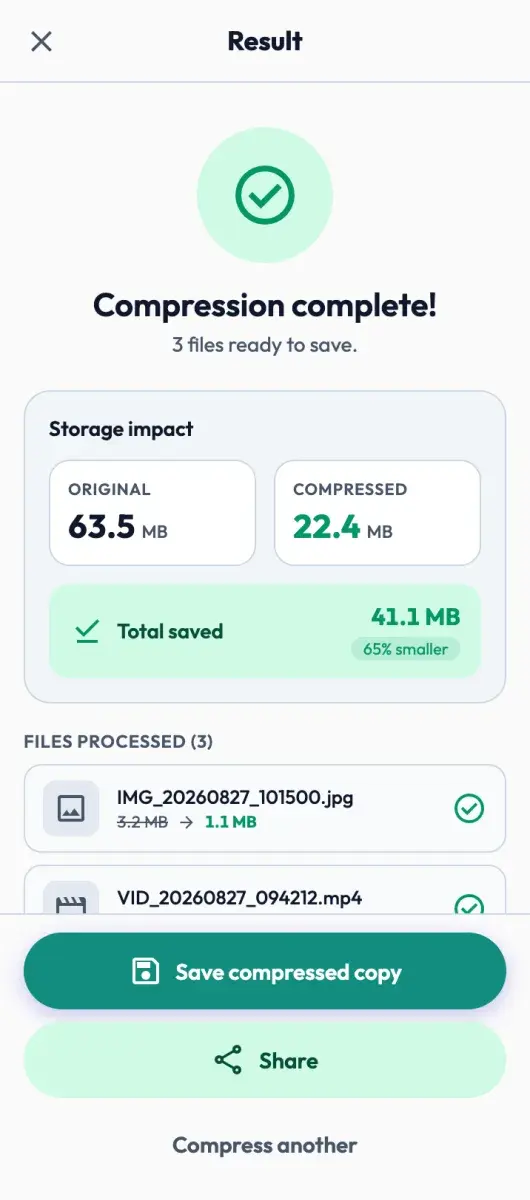
Shrink files with a clear before-and-after size and a quality level you control.
Processed on the device
Saving, converting and compressing run on the phone; media is never uploaded.
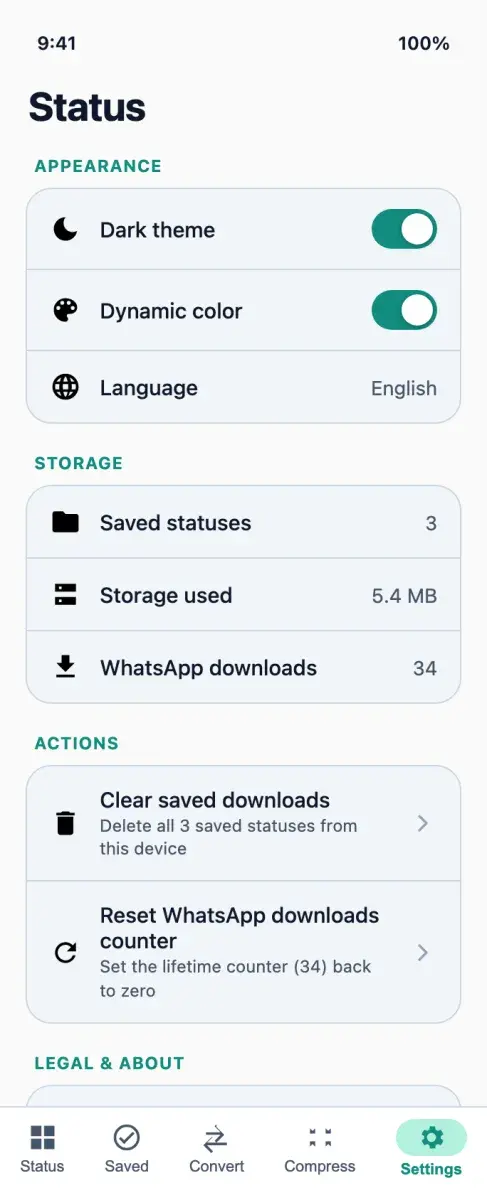
Light and dark themes
A clean interface in both themes, with no account, login or sign-up.
How it works.
Grant folder access
Allow access to the statuses folder through Android’s system file picker.
Save a status
Open a status you have viewed, preview it full screen, then save or share it.
Convert a video
Pick a video, choose MP3, M4A or AAC, the bitrate and the trim, then save the audio or set it as a ringtone.
Compress
Pick photos or videos, choose a quality and save the smaller copy. The original is left untouched.
Screens.
Screens from the product design.
Privacy and data.
Media is saved, converted and compressed on the device and is never uploaded. The app is supported by advertising, so ads are served over the internet.
- No account, login or sign-up.
- Storage access is used only to read the statuses you choose to save.
- Google AdMob may process the device’s resettable advertising ID to serve and measure ads.
- Google Firebase collects device and app-event information for app stability and usage.
Availability and specification.
- Status
- Live
- Availability
- Resources
- Category
- Utility
- Business model
Free and supported by advertising. An optional one-time purchase to remove ads is planned.
- Built with
- Kotlin Multiplatform
- Compose Multiplatform
- Storage Access Framework
- Google AdMob
- Firebase
Questions about Status Saver.
Does it download statuses from other people’s accounts?
Are my files uploaded anywhere?
Why does it ask for folder access?
Can I make a ringtone from a video?
Is it affiliated with WhatsApp?
More apps.
- Live
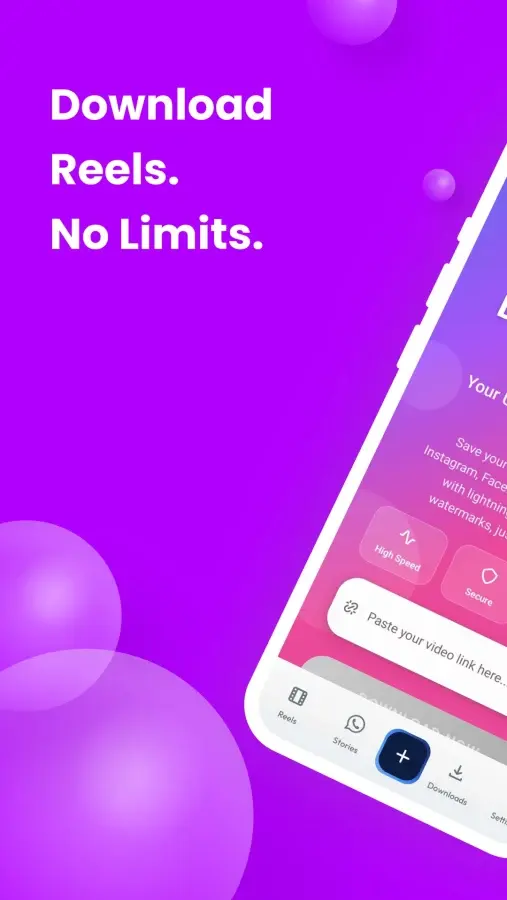
ReelsDownloader
Utility
Save video, photos and audio from 19 social platforms, in the browser or in the Android app.
- Android
- Web
- Live
Stories Downloader
Utility
Save WhatsApp statuses and Instagram stories, highlights and reels to the phone before they disappear.
- Android
- Live
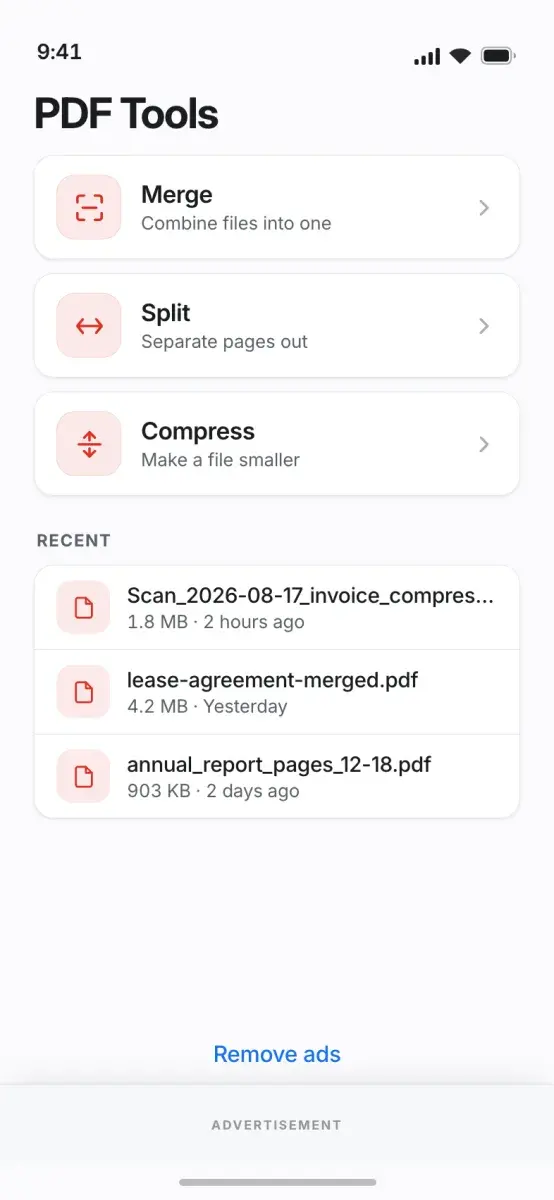
PDF Tools
Productivity
Merge, split, compress, sign and convert PDFs on the phone, with no upload and no account.
- Android


Get Status Saver.
Save the statuses you have viewed, convert video to MP3 and compress media, all processed on the phone.
Mobile Byte Sensei also builds for clients. View services