PDF Tools
Merge, split, compress, sign and convert PDFs on the phone, with no upload and no account.
- Status
- Live
- Category
- Productivity
- Platforms
- Android
About PDF Tools.
Contracts, bank statements, medical records and identity documents are exactly the files that should not be uploaded to an unknown server. PDF Tools is a complete PDF toolkit that runs entirely on the phone, so they never have to be.
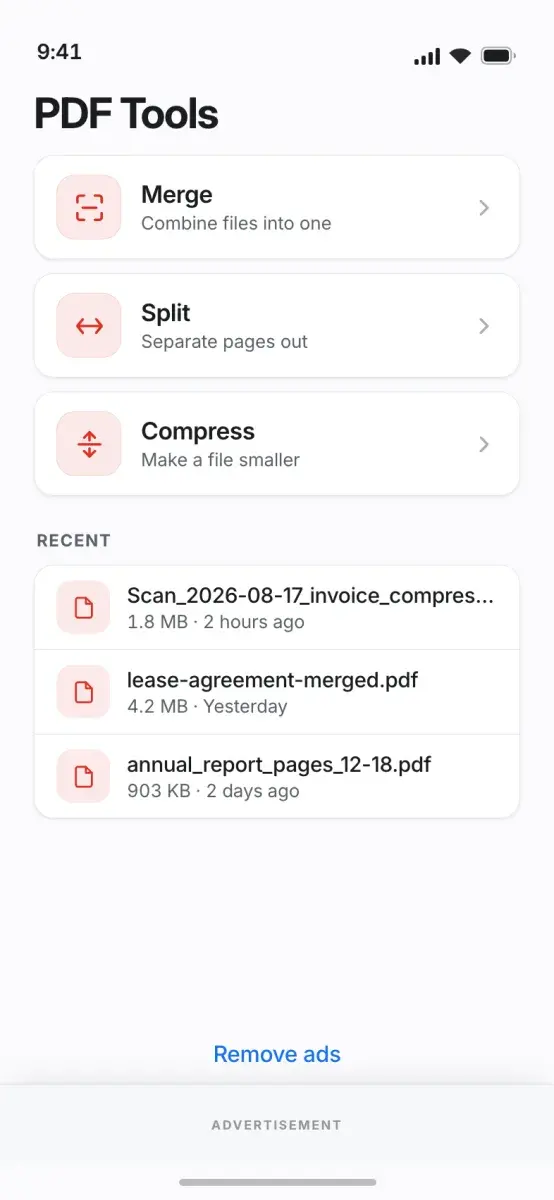
It merges, splits and compresses documents, converts between PDFs and images, organises and signs pages, fills forms, scans with the camera and manages passwords. There is no upload, no account and no sign-up.
Every result is saved to a PDF Tools folder in Documents, and a History tab records what was run and what it produced.
Who it is for.
Sensitive paperwork
Handling contracts, statements and records without sending them to a web service.
Forms and signatures
Filling in a form and signing it on the phone.
Scanning on the go
Turning paper into a PDF with the camera and pulling out its text.
Sharing large files
Compressing scans and image-heavy documents before sending them.
What it does.
Merge and split
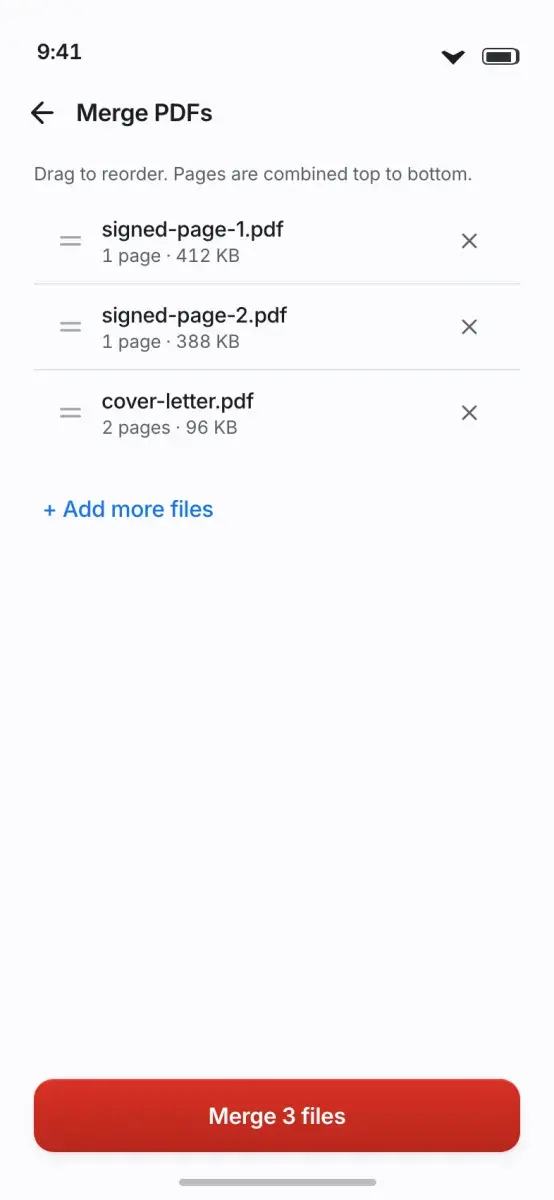
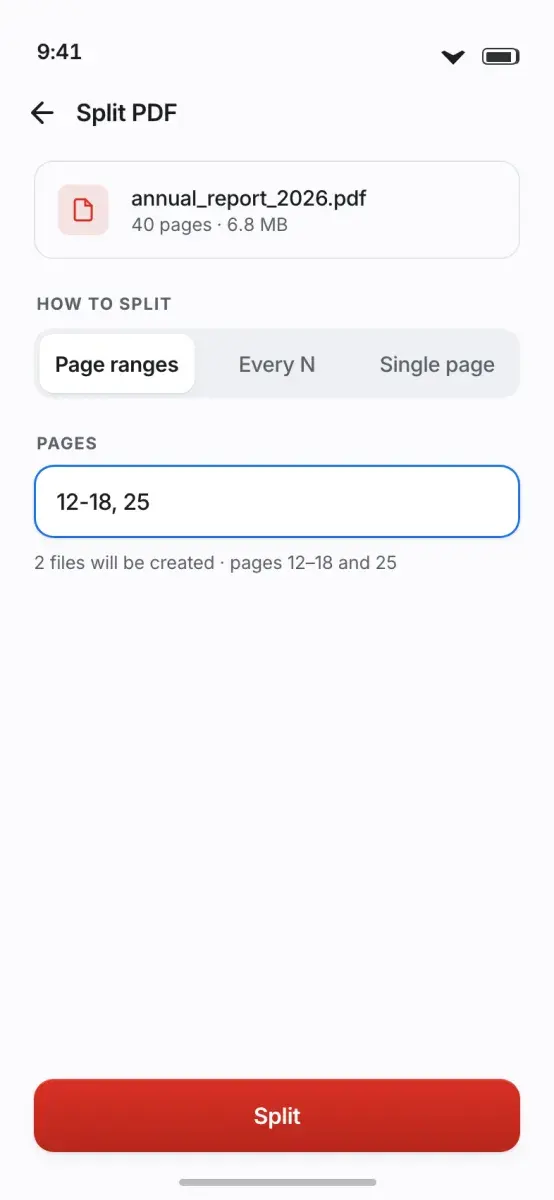
Combine PDFs in the order you choose, or extract a page range, specific pages or every page.
Compress
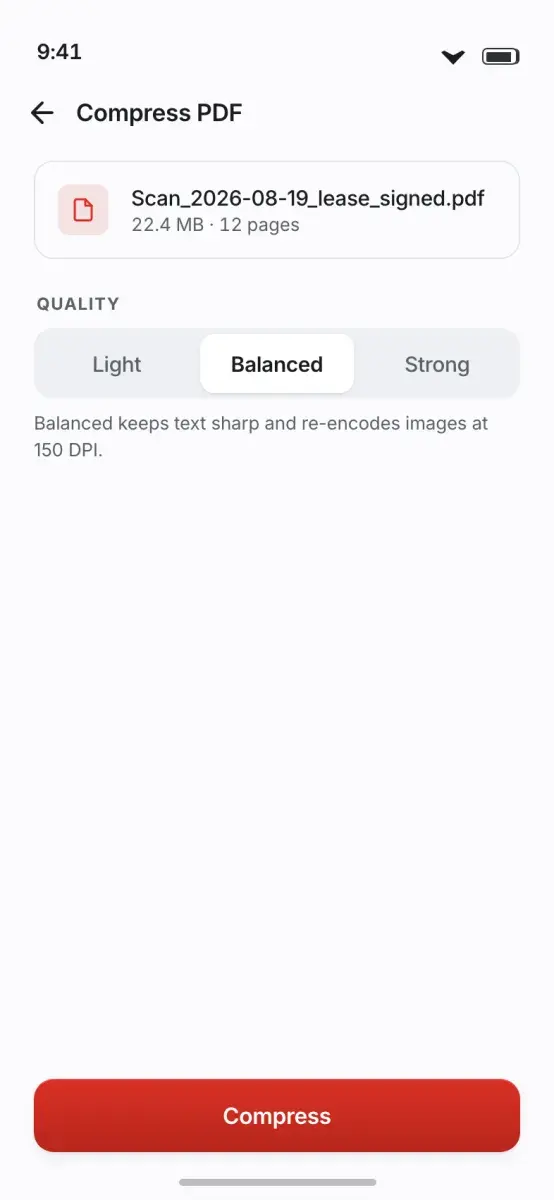
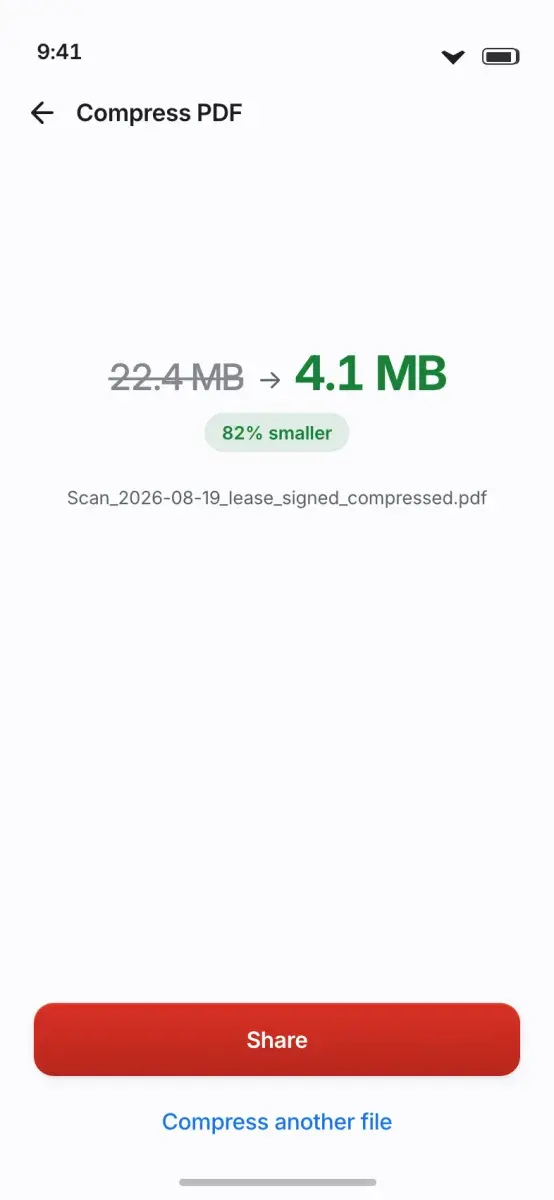
Shrink large scans and image-heavy files, with a size preview before committing.
PDF and images
Convert a PDF to images, or images to a PDF.
Organise pages
Reorder, rotate, delete and extract pages, and add page numbers.
Sign and mark up
Draw, type or import a signature and place it on the page; fill forms, add a watermark or flatten a document.
Scan and OCR
Scan to PDF with the camera, pull selectable text out of a scan, extract text and convert HTML to PDF.
Security
Add or remove a password, unlock a protected PDF and edit document metadata.
Image tools
Compress, resize and convert images, and inspect image metadata.
History
Results are saved to Documents/PDF Tools, and the History tab keeps a record of each operation.
How it works.
Pick a tool
Choose an action such as merge, split, compress, sign or scan.
Choose the files
Select the PDFs or images, or scan a page with the camera.
Run it on the phone
The operation runs locally; nothing is uploaded.
Find the result
Open the output from Documents/PDF Tools or the History tab.
Screens.
Screens from the product design.
Privacy and data.
Every operation runs on the phone, so a document you open stays on it. The Play data safety section declares no data collected or shared.
- No upload.
- No account or sign-up.
- Results are saved to the device’s Documents folder.
Availability and specification.
- Status
- Live
- Availability
- Category
- Productivity
- Business model
Free and supported by advertising.
Questions about PDF Tools.
Are my documents uploaded?
Do I need an account?
Where are the results saved?
Can it read text from a scan?
Is it free?
More apps.
- Live
Status Saver
Utility
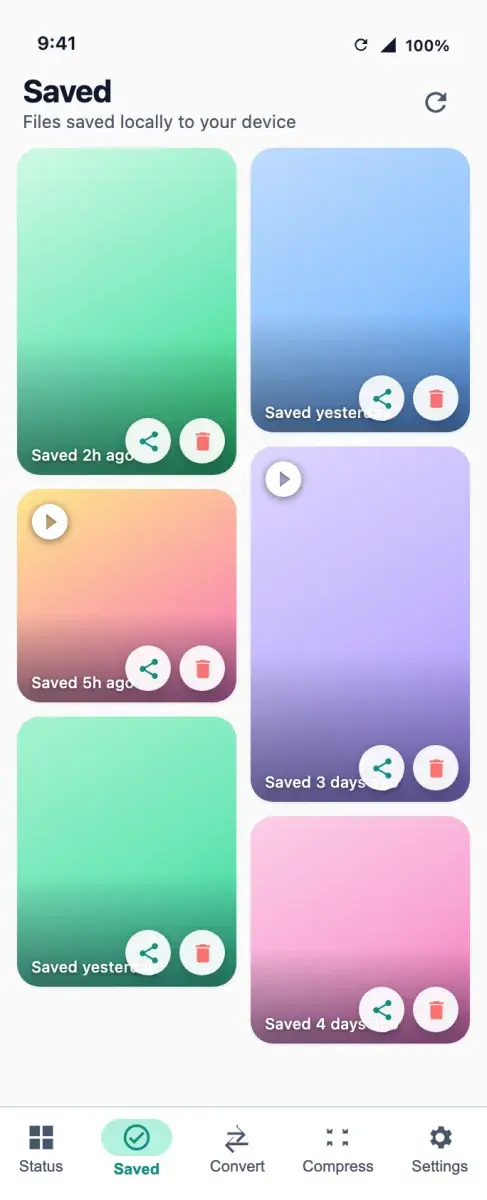
Save the statuses you have viewed, convert video to MP3 and compress media, all processed on the phone.
- Android
- Live
ReelsDownloader
Utility
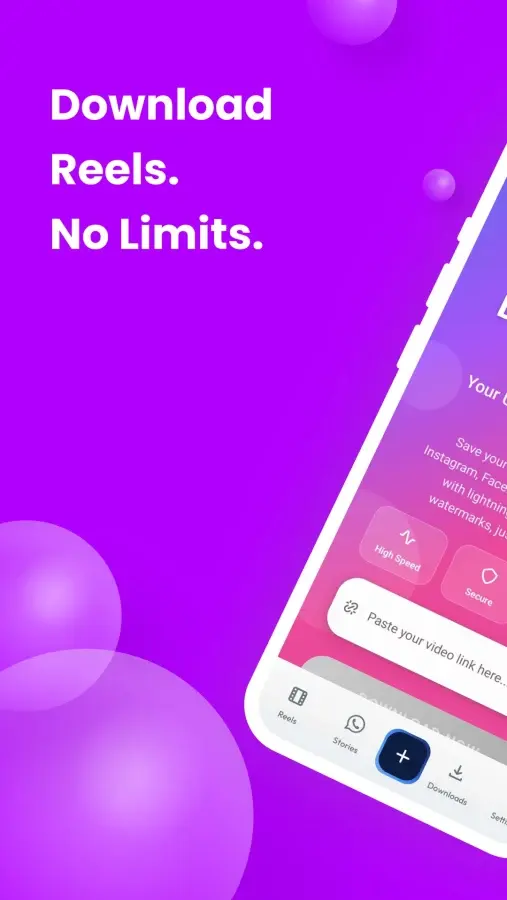
Save video, photos and audio from 19 social platforms, in the browser or in the Android app.
- Android
- Web
- Live
Healld
Mental wellness
Mood, sleep, stress and assessments roll up into one score from 0 to 100 that you can move.
- Android



Get PDF Tools.
Merge, split, compress, sign and convert PDFs on the phone, with no upload and no account.
Mobile Byte Sensei also builds for clients. View services