Hacker Keyboard
A keyboard dressed in Matrix, cyberpunk and glitch themes, or your own photo.
- Status
- Live
- Category
- Personalisation
- Platforms
- Android
An everyday keyboard with a point of view.
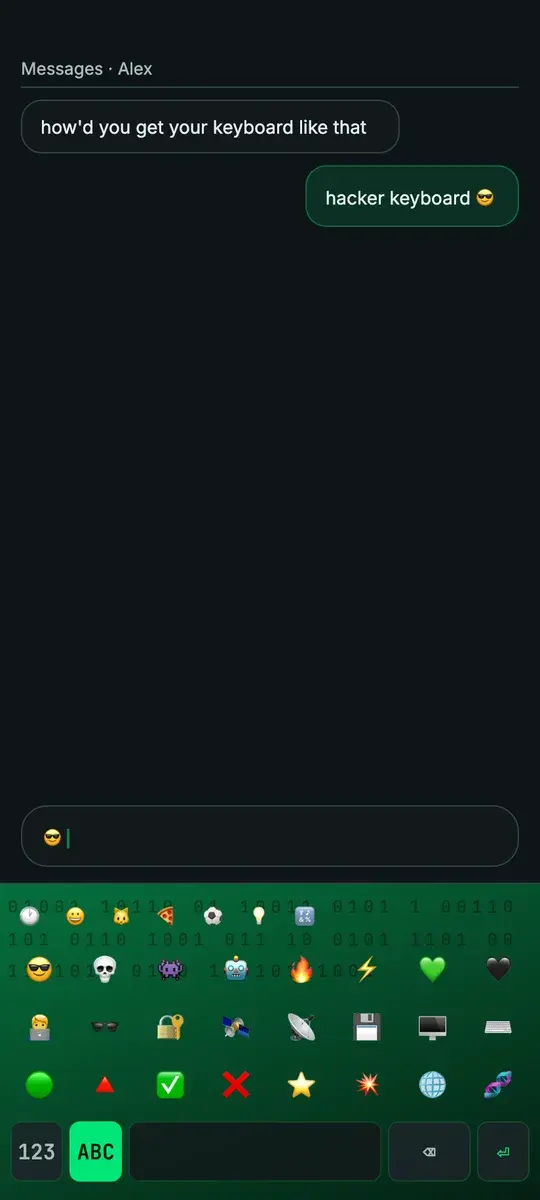
The keyboard is on screen more than almost anything else on a phone, and it is usually a grey slab. Hacker Keyboard is an everyday Android keyboard for people drawn to the hacker, cyberpunk and gamer aesthetic.
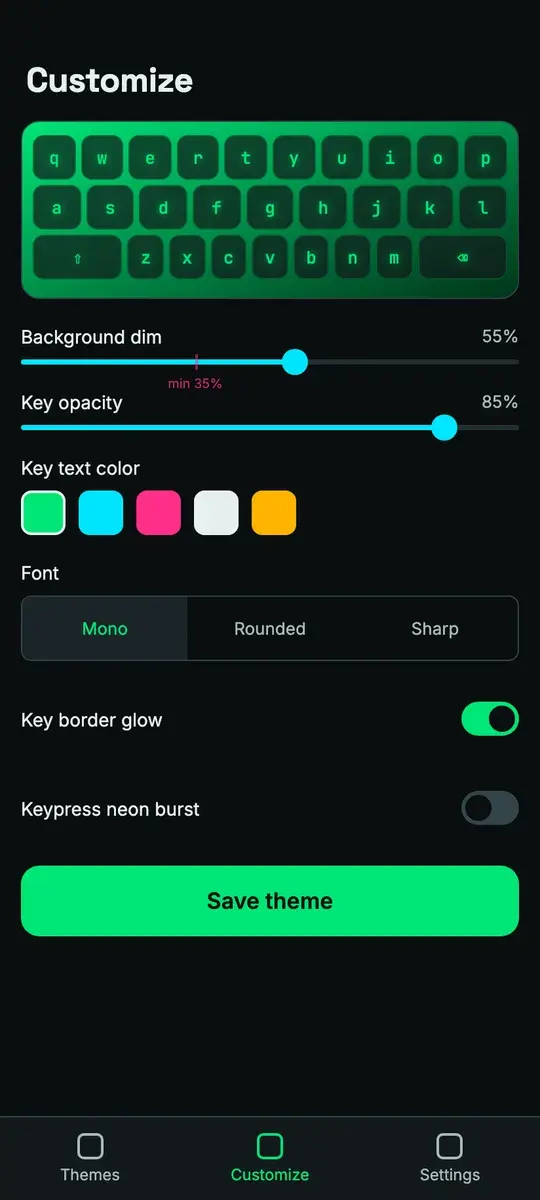
It renders a standard QWERTY layout over a themed background or your own photo, with controls for dimming, key opacity, key text colour and font. The keyboard itself makes no network calls.
Who it is for.
Aesthetic fans
People into the hacker, cyberpunk and Matrix look.
Gamers and streamers
Matching the phone to an RGB setup or a stream overlay.
Personalisers
People who customise wallpaper and icons and want their own photo behind the keys.
The privacy-minded
People who distrust theme keyboards that collect data.
What it does.
Shipped capabilities only. Planned work is listed separately, under “On the roadmap.”
A real everyday keyboard
Letters, a number row, symbols, emoji, shift and caps lock: a keyboard for daily typing.
Themes behind the keys
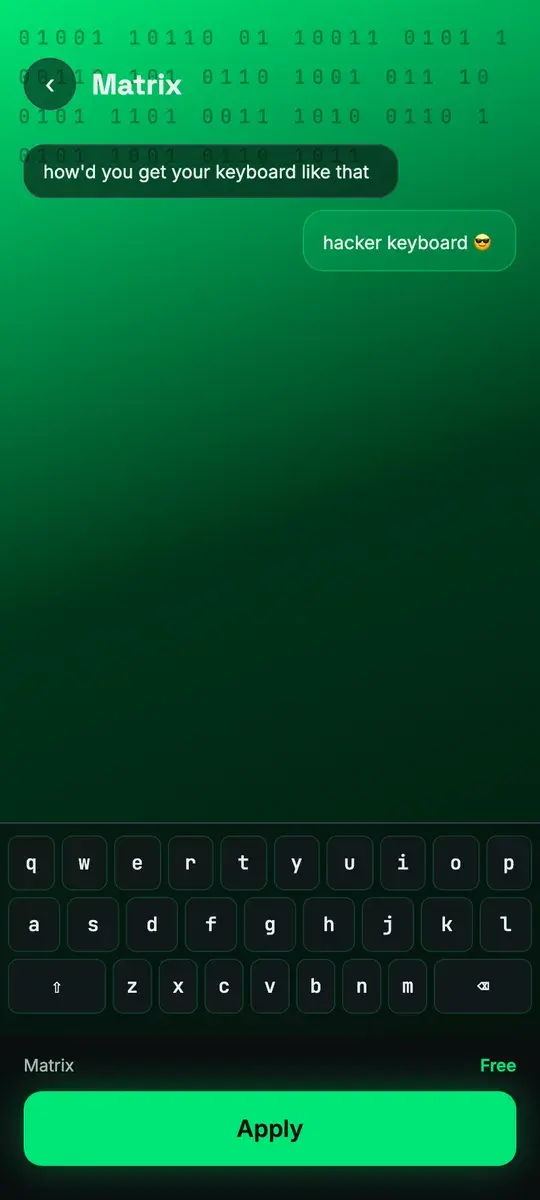
The chosen image renders live behind translucent keys.
A curated theme gallery
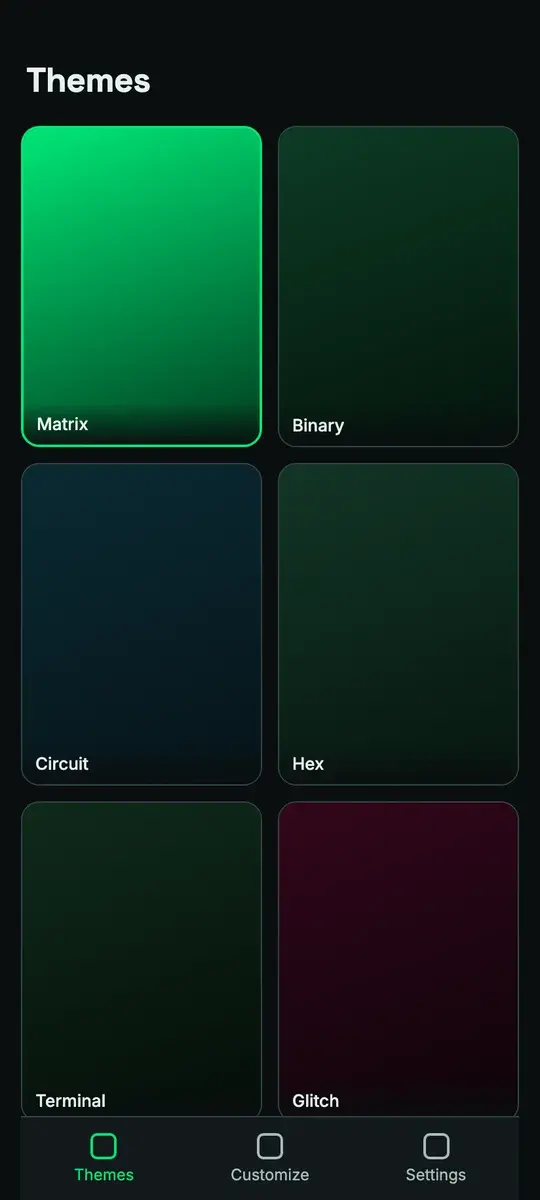
Hand-picked themes, among them Matrix, Binary, Circuit, Terminal and Glitch, with free themes and PRO packs.
Your own photo
Pick an image, drag it into position over a live keyboard preview and dim it. The photo stays in the app’s private storage.
Customise
Background dimming, key opacity, key text colour and font, applied live and saved per theme.
Guided setup
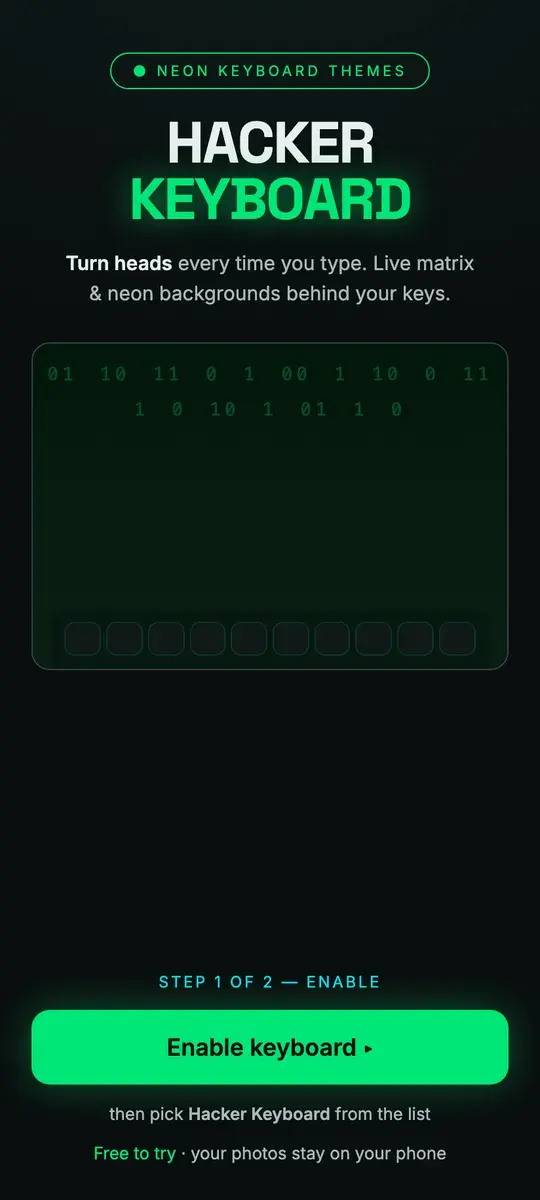
A step-by-step setup enables the keyboard and sets it as the default, detecting each step as it completes.
How it works.
Set it up
Follow the guided setup to enable Hacker Keyboard in system settings and select it as the active keyboard.
Choose a look
Preview themes on a live keyboard before applying one, or pick your own photo and position it.
Tune it
Adjust dimming, key opacity, key colour and font until the keys read clearly over the image.
Type anywhere
Use it in any app. To switch keyboards, tap or long-press the globe key.
Screens.
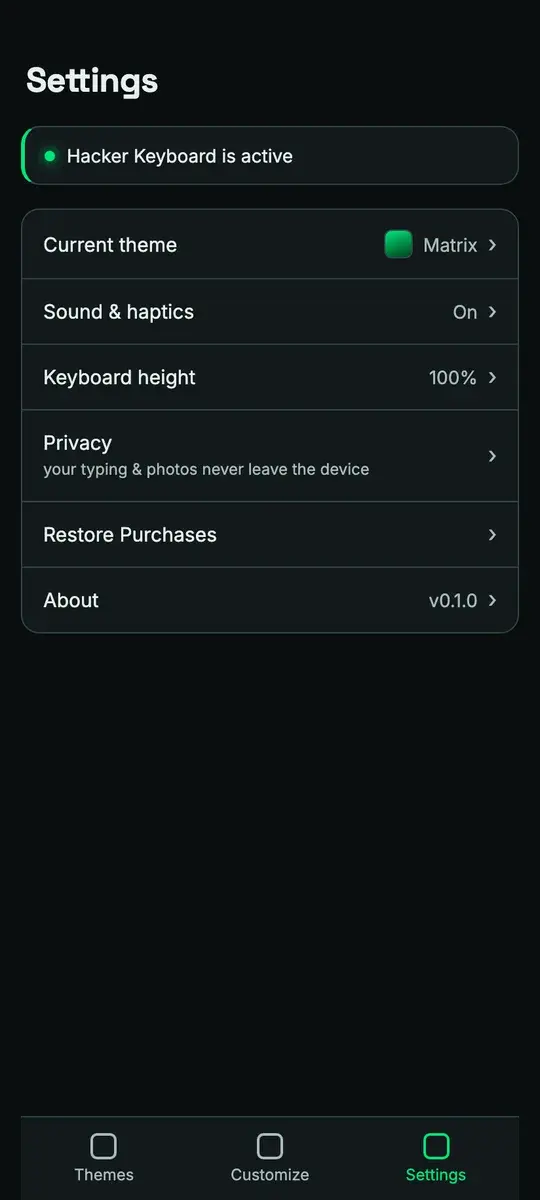
Screens from the product design.
Privacy and data.
Keystrokes are never logged, stored or transmitted, and the keyboard process has no network code.
- There is no learned-word dictionary, typing history or clipboard capture.
- Photos are copied into the app’s private storage and never uploaded.
- No account is required.
- The companion app sends anonymous screen views and crash reports through Firebase.
- The companion app shows ads; the keyboard itself shows none.
- The Play data safety section declares no data collected or shared.
Availability and specification.
- Status
- Live
- Availability
- Category
- Personalisation
- Business model
Free and supported by advertising. The free themes and the own-photo feature are fully available. PRO themes are planned to unlock with a single one-time purchase, which is not yet enabled; there is no subscription.
- Built with
- Kotlin Multiplatform
- Compose Multiplatform
- Android InputMethodService
- PayCraft
- Google Play Billing
- Firebase
Questions about Hacker Keyboard.
Can the keyboard see what I type?
Is my photo uploaded?
Is it free?
Are there ads?
How do I switch back to my usual keyboard?
More apps.
- Live
WallPix
Personalisation
HD and 4K wallpapers across dozens of categories, previewed and set on the home or lock screen in one tap.
- Android
- Live
PDF Tools
Productivity
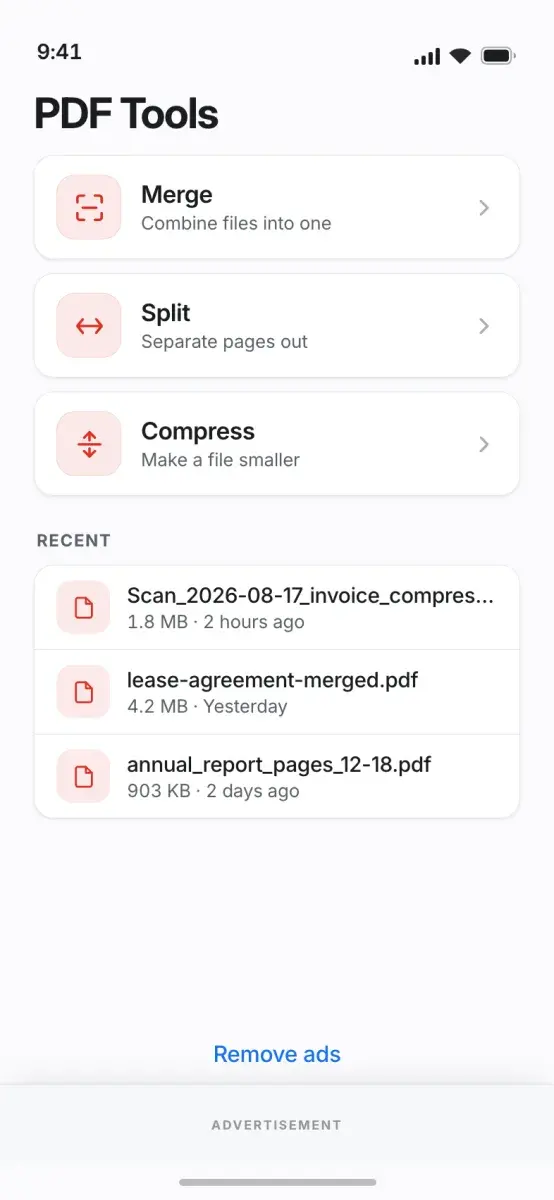
Merge, split, compress, sign and convert PDFs on the phone, with no upload and no account.
- Android
- Live
Status Saver
Utility
Save the statuses you have viewed, convert video to MP3 and compress media, all processed on the phone.
- Android


Get Hacker Keyboard.
A keyboard dressed in Matrix, cyberpunk and glitch themes, or your own photo.
Mobile Byte Sensei also builds for clients. View services