
Stories Downloader
Save WhatsApp statuses and Instagram stories, highlights and reels to the phone before they disappear.
- Status
- Live
- Category
- Utility
- Platforms
- Android
About Stories Downloader.
Stories and statuses disappear after a day, and screen recording them loses quality. Stories Downloader saves WhatsApp statuses and Instagram stories, highlights and reels directly to the phone’s gallery.
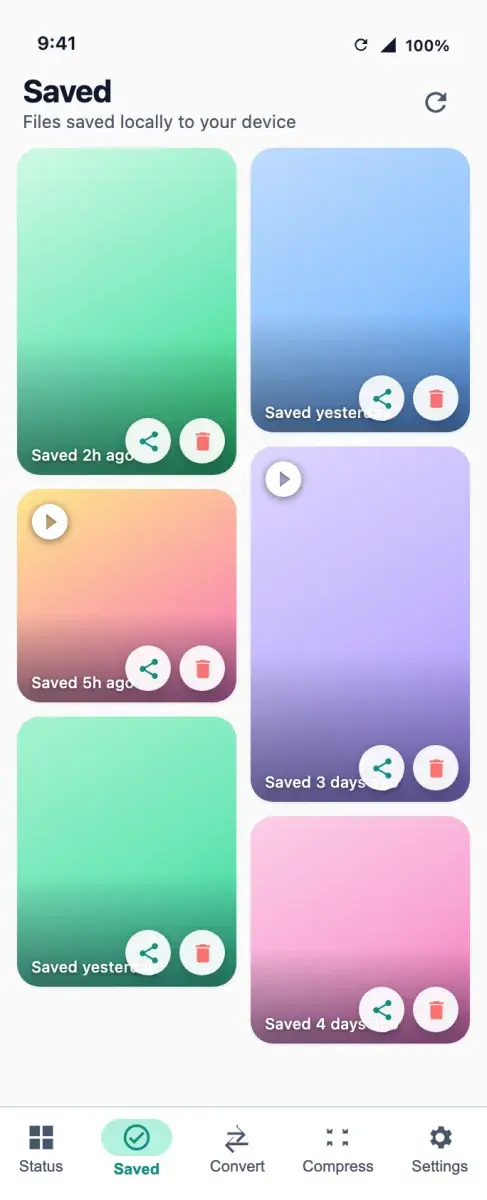
WhatsApp statuses you have viewed are saved without any login, and an auto-save mode can keep new ones as they appear. Instagram content is saved after signing in through the official Instagram web view. Saved files are organised into WhatsApp and Instagram folders inside the app.
Who it is for.
Keeping memories
Saving a friend’s status or story before it expires.
Content creators
Keeping inspiration and reposting their own content across platforms.
Social media managers
Collecting and organising stories in one place.
What it does.
Shipped capabilities only. Planned work is listed separately, under “On the roadmap.”
WhatsApp statuses
Save photo, video and text statuses from WhatsApp and WhatsApp Business.
Instagram stories, highlights and reels
Save them after signing in through the official Instagram web view.
Auto-save
Turn it on to save new WhatsApp statuses automatically as they appear.
Built-in viewer
Preview photos and videos inside the app before saving or reposting.
Organised files
Saved items are sorted into WhatsApp and Instagram folders, where they can be renamed, shared, moved or deleted.
Repost and share
Share a saved story to WhatsApp, Instagram or any other app.
Light and dark themes
The interface follows the device theme.
How it works.
View the story
Open WhatsApp or Instagram and view the status or story you want to keep.
Open Stories Downloader
Find the status or story in the app. Instagram needs a one-time sign-in through its web view.
Save
Tap download to save it to the gallery.
Privacy and data.
Saved stories are kept on the device. No login is needed for WhatsApp, and the Play data safety section declares no data collected or shared.
- WhatsApp saving needs no account.
- Instagram sign-in happens in the official Instagram web view.
- The app is not affiliated with WhatsApp, Instagram or Meta.
Availability and specification.
- Status
- Live
- Availability
- Category
- Utility
- Business model
Free and supported by advertising.
Questions about Stories Downloader.
Which apps does it work with?
Do I need to log in?
Which Android versions are supported?
Is it affiliated with WhatsApp or Instagram?
More apps.
- Live
Status Saver
Utility
Save the statuses you have viewed, convert video to MP3 and compress media, all processed on the phone.
- Android
- Live
ReelsDownloader
Utility
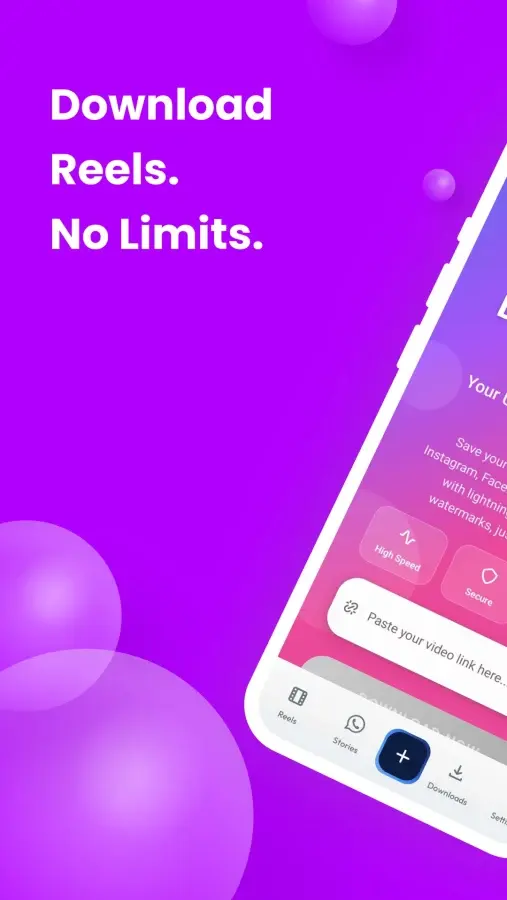
Save video, photos and audio from 19 social platforms, in the browser or in the Android app.
- Android
- Web
- Live
PDF Tools
Productivity
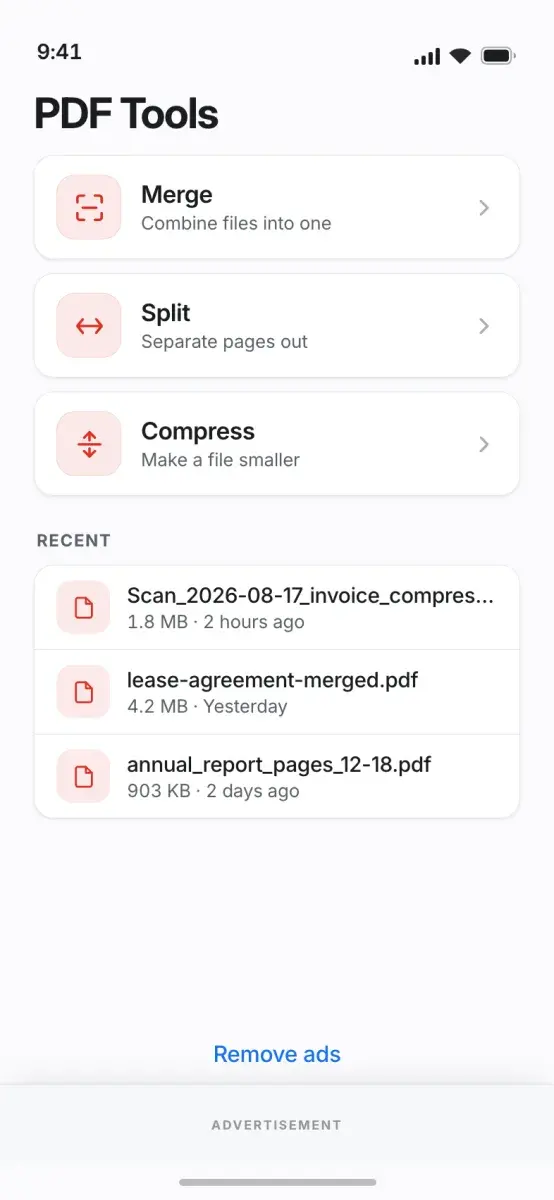
Merge, split, compress, sign and convert PDFs on the phone, with no upload and no account.
- Android



Get Stories Downloader.
Save WhatsApp statuses and Instagram stories, highlights and reels to the phone before they disappear.
Mobile Byte Sensei also builds for clients. View services