
ReelExport
An AI video studio in the browser: from a topic to a captioned, voiced reel, ready to export and post.
- Status
- Live
- Category
- AI video
- Platforms
- Web
- AI
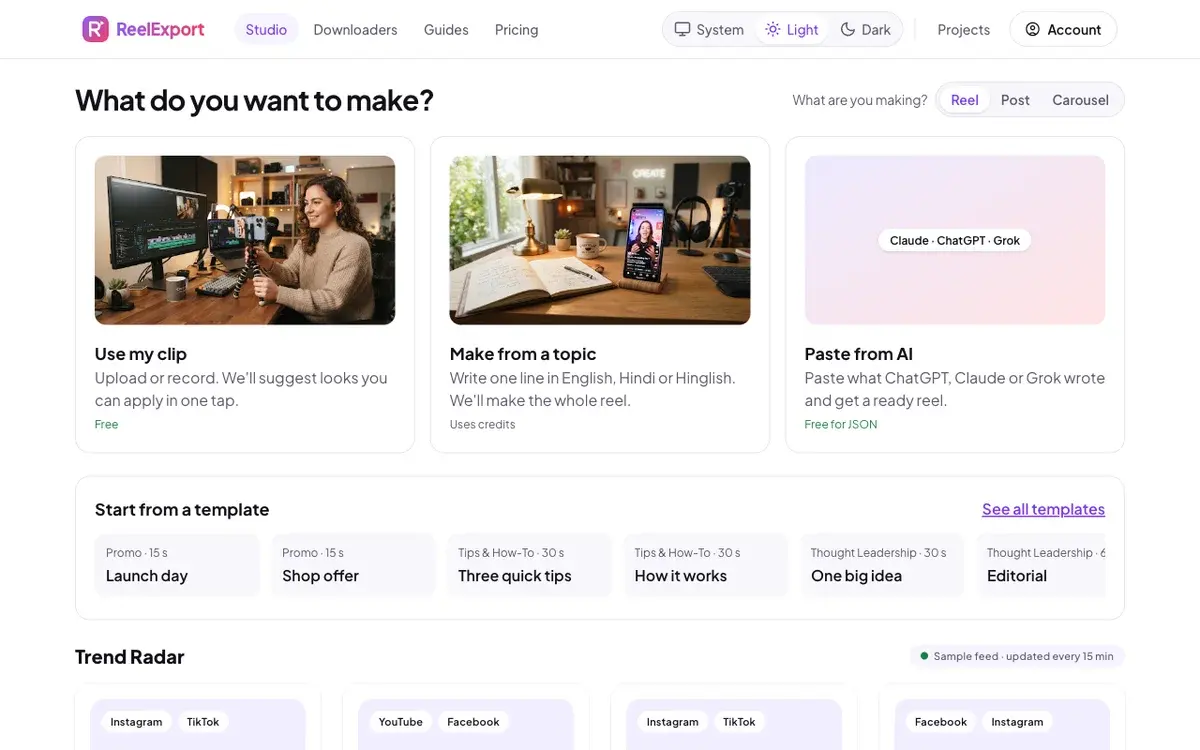
From a topic to a finished reel.
Short videos take a script, pictures, a voice, captions and an editor, and creators usually move between a separate tool for each. ReelExport does all of it in one browser studio.
Give it a topic and it drafts the script, finds or generates the pictures, records a voiceover and times the captions, in English, Hindi or Hinglish. The draft opens in a full editor, or you can start from your own clip.
It also keeps a free downloader for saving public videos you have the right to keep. Editing and 720p exports are free; paid plans add the Pro tools, HD and monthly AI credits.
Who it is for.
Creators
Posting short videos regularly without a separate tool for script, voice and captions.
Small businesses
Turning a topic or their own photos into a product or promo reel.
Hindi and Hinglish creators
Script, voice and captions in the language their audience speaks.
What it does.
Shipped capabilities only. Planned work is listed separately, under “On the roadmap.”
A reel from a topic
Type a topic to get a draft with script, scenes, voiceover and captions, then change any word or timing.
Hindi, Hinglish and English
One language all the way through: the script, the voice and the captions.
Auto-captions
Captions timed to each spoken word, with animated looks.
A full browser editor
Trim, split, reframe, filters, transitions, text, stickers and music.
Use your own AI
Connect your own ChatGPT, Claude, Grok, Gemini or Hugging Face key, and AI steps run on it first.
Export and post
Export sized for each network, and post to accounts you connect where the network has approved ReelExport.
How it works.
Start from a topic or a clip
Type a topic, or upload, record or import a video you have the right to use.
Edit the draft
Change the script, the look, the music and the captions in the studio.
Export
Download the finished video, or post it to your connected accounts.
Screens.
Screens from the app.
Privacy and data.
The downloader needs no account. AI tools send what you give them to the provider that makes the result.
- AI tools send the text, audio or images you choose to the AI provider that makes the result.
- A key you connect for your own AI can be disconnected at any time in Account.
- ReelExport’s own privacy policy lists what is collected, why, and for how long.
Availability and specification.
- Status
- Live
- Availability
Includes applied AI.
- Category
- AI video
- Business model
Free to start, with subscriptions. Editing and 720p exports are free with a small mark. Plus, Pro and Max plans add the Pro tools, HD export without the mark and monthly AI credits, and members can buy extra credits.
- Built with
- Astro
- React
- TypeScript
- HyperFrames
- Cloudflare Pages
- Supabase
- PayCraft
Questions about ReelExport.
Is it free?
Which languages can it write and speak?
Do I need to install anything?
Can I use my own AI account?
More apps.
- Live
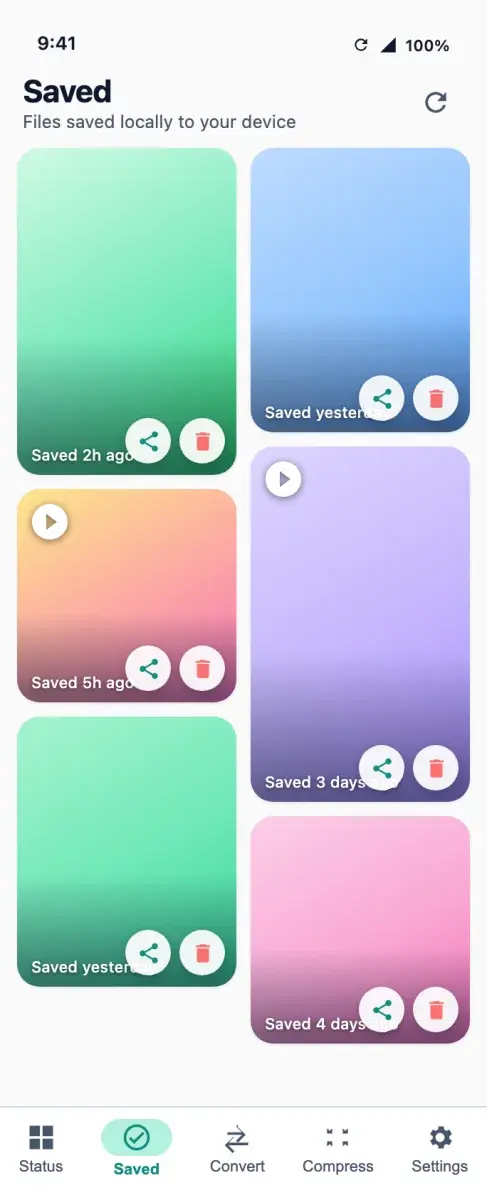
Status Saver
Utility
Save the statuses you have viewed, on Android or on WhatsApp Web, then convert video to MP3 and compress media on the device.
- Android
- Web
- Live
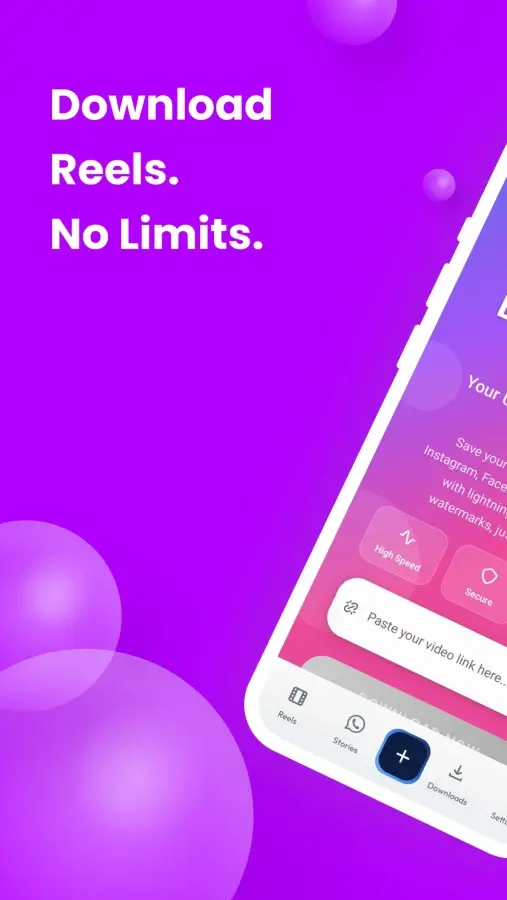
ReelsDownloader
Utility
Save video, photos and audio from 19 social platforms, in the browser or in the Android app.
- Android
- Web
- Live
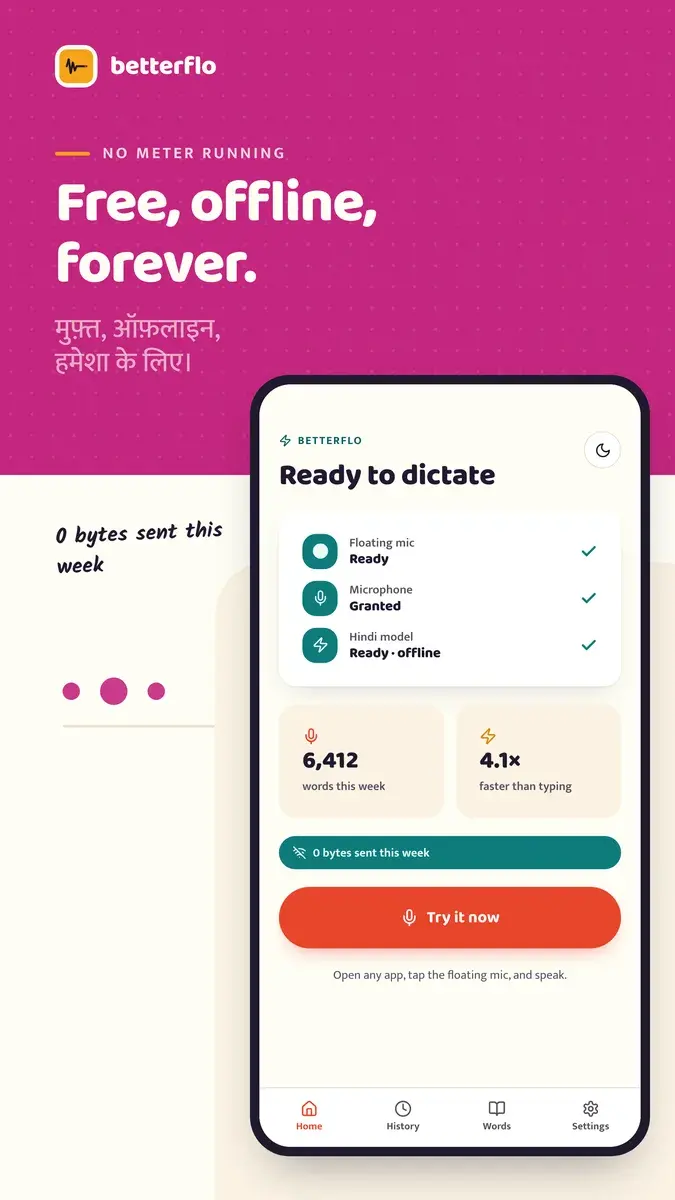
Betterflo
Voice
On-device dictation in eleven Indian languages, in any Android app. No account.
- Android
- AI



Get ReelExport.
An AI video studio in the browser: from a topic to a captioned, voiced reel, ready to export and post.